EasyManua.ls Logo

Creative Live! Drive II - Installing Software; Additional Features in Device Controls

Creative Live! Drive II
22 pages
Print Icon
To Next Page IconTo Next Page
To Previous Page IconTo Previous Page
Loading...
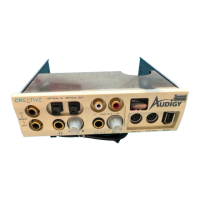
8 Live Drive CT4860/CT4861
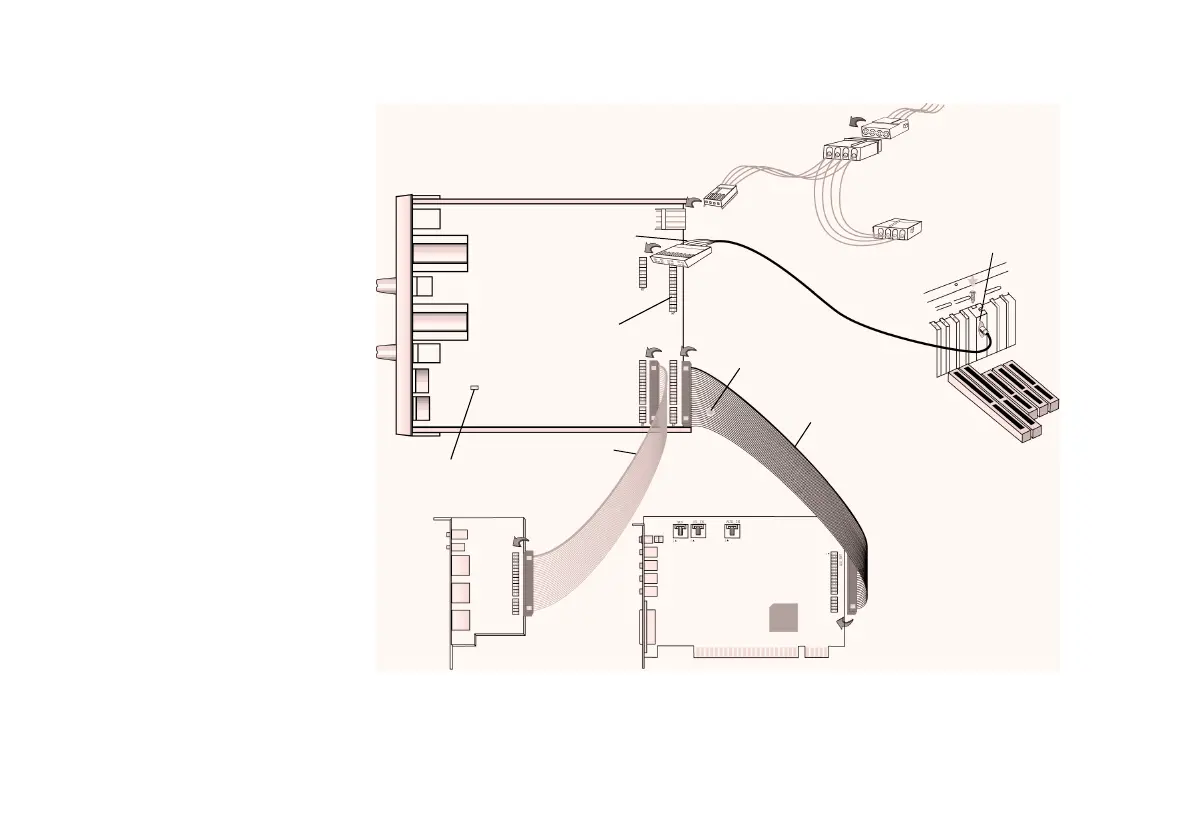
2. Connect the cables to the Live! Drive as shown in Figure 4.
3. Slide the Live! Drive into the vacant 5¼" drive bay, and then secure its sides to the casing with
the screws provided.
Figure 4: Connecting cables to the Live! Drive.
Dark grey
flat cable
Light grey
flat cable
Digital
DIN cable
Power splitter cable
Red-colored wire
Orange-colored wire
To system
power supply unit
Digital DIN
metal bracket
Live! Drive
Connector for
future upgrades
(Optical)
Digital I/O card
Sound Blaster Live! card
Black circle on the
underside of the cable
Red-colored wire
J1
J3
J2
Jumper for microphone
type selection
C85

Related product manuals