7
Using Your Scroller
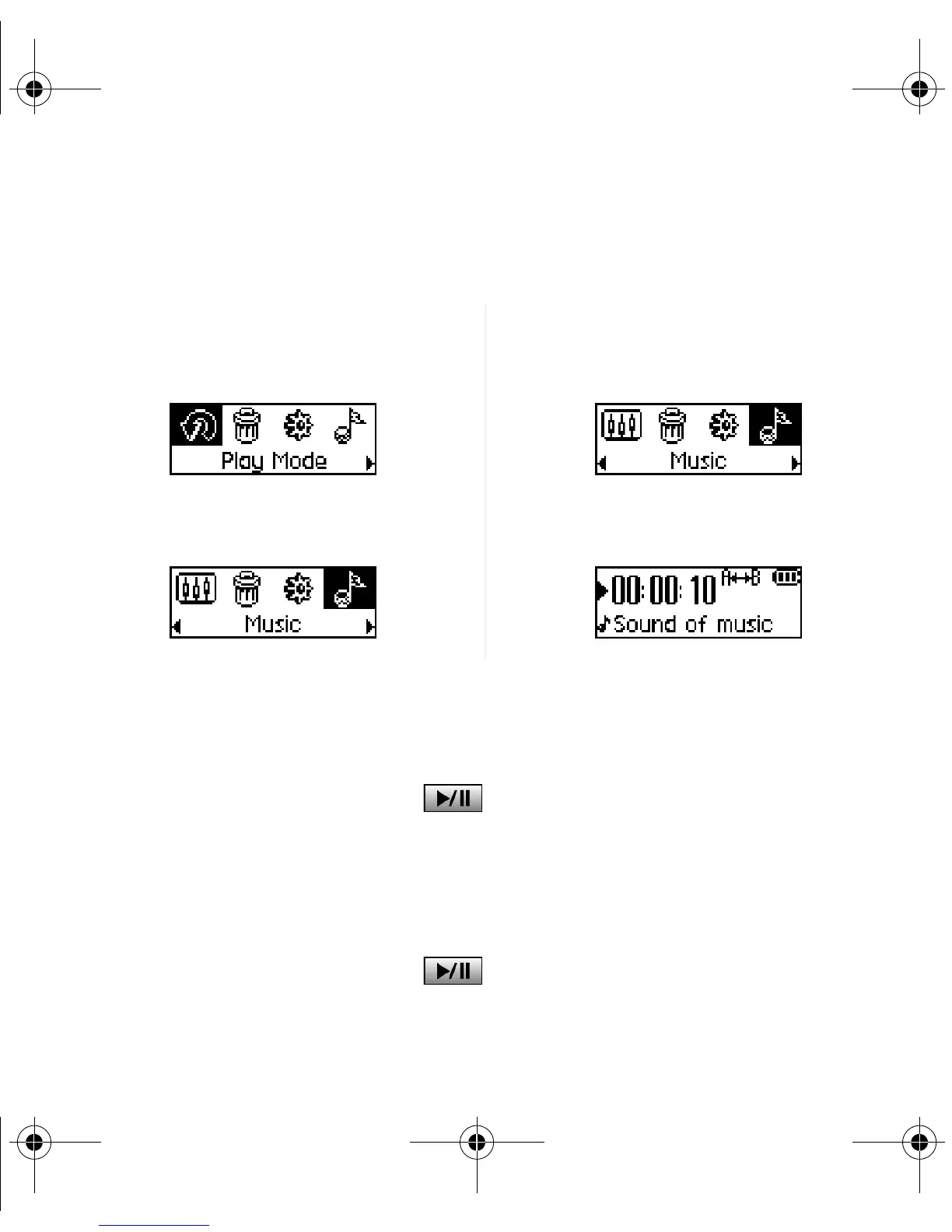
"Scroll Select", indicates that you should use the Scroller to scroll through options, and then
select the option by pressing the Scroller.
Using Your Player
Turning on the player
Press and hold the Play/Pause button for a few seconds. The Creative logo appears
on the screen, followed by the Creative MuVo TX FM logo, and there is music playback.
If your player contains no audio tracks, the message "No Music" or "No Recording" will appear
onscreen, depending on whether you are in Music or Recordings mode.
Turning off the player
Press and hold the Play/Pause button for a few seconds until after the Power off
message disappears
1. Use the Scroller to scroll through
options.
3. Press the Scroller to select the option.
2. Scroll to an option. 4. The selection appears.
MuVo TX FM QSB English 20th May.fm Page 7 Wednesday, May 19, 2004 4:44 PM













 To Next Page