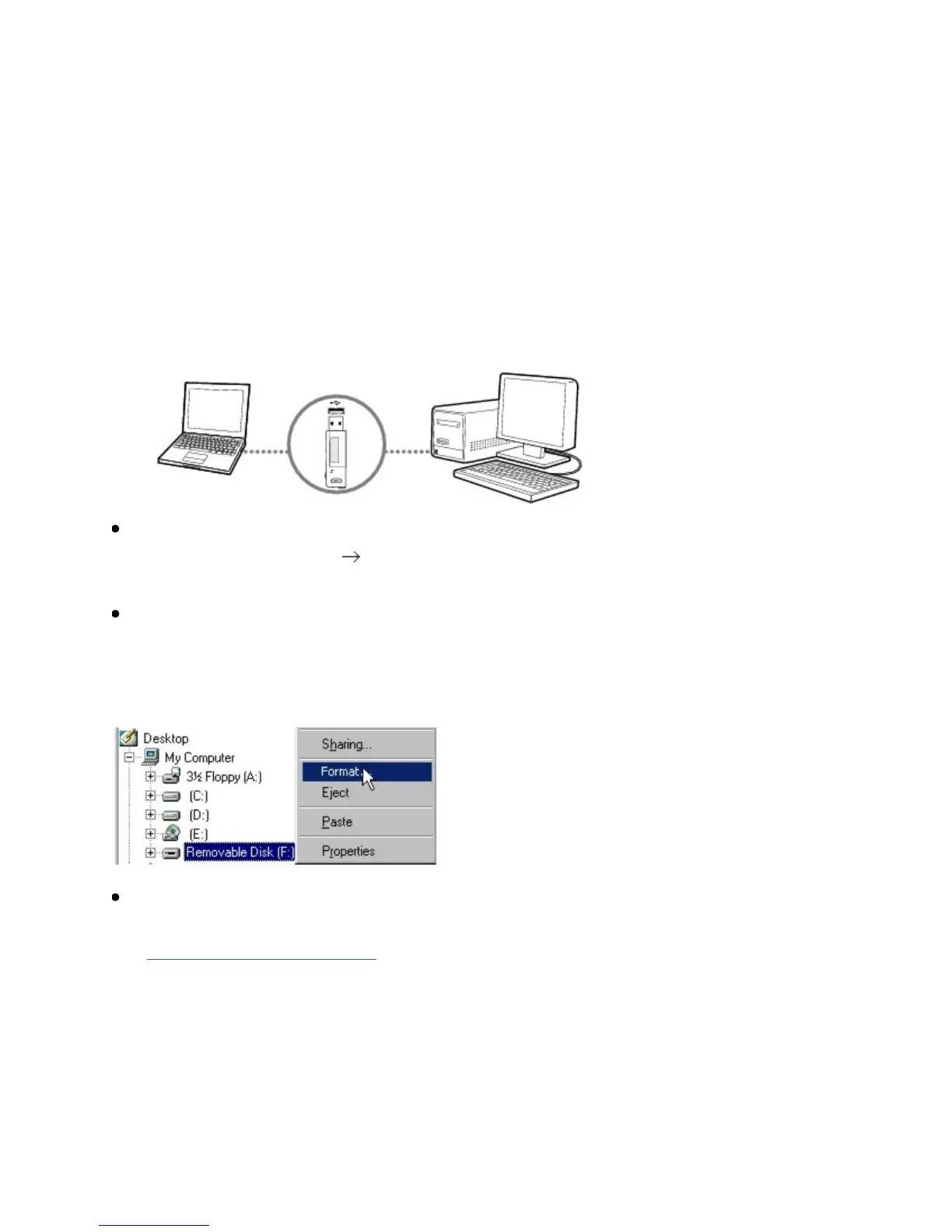
Formattingyourplayer
Ifyouneedtoformatyourplayer,backupthefilesinyourplayerfirst.When
youformatyourplayer,allsongsanddatafilesaredeleted.Yournewplayeris
alreadyformatted.
1. Connectyourplayertoyourcomputer'sUSBport.
DONOTpressthebuttonsonyourplayerwhileconnectingittoyour
computer.
Double-clicktheMyComputericononyourdesktop.
Alternatively,clickStart MyComputer.Youwillnoticethatyourplayeris
recognizedasaRemovableDisk.
Right-clicktheRemovableDiskoption,selecttheFormatoption,andfollow
theinstructionsonthescreentoformatyourplayer.
MakesureyouselectFAT32whenformattingtheplayer.NTFSisNOT
supportedonyourplayer.
Aftertheformattingiscomplete,makesureyoustopyourplayerbefore
disconnectingitfromyourcomputer.Forinstructionsonstoppingyourplayer,
seeStep4:Disconnectplayer.













 To Next Page