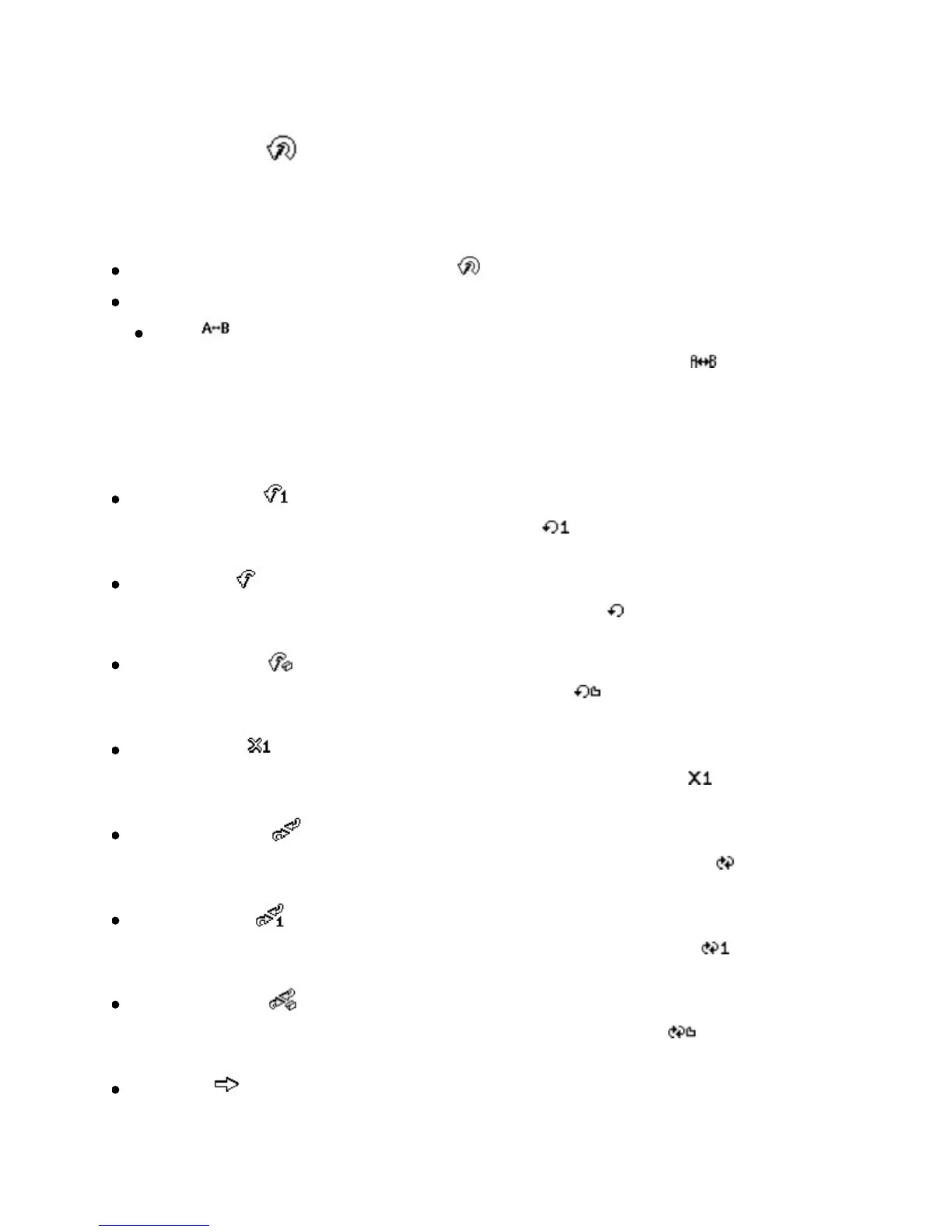
Playmode
1. PresstheScroller.
Themainmenuappears.
ScrollSelectthePlaymodeoption .
ScrollSelectoneofthefollowingoptions:
A-B
Repeatsaselectedsectionofatrack.Whenyouselectthis, appearsat
thetoprightcorneroftheLCD.
PresstheScrollerwhenAishighlightedtomarkthestartpointofthe
repeat,andpresstheScrolleragainwhenBishighlightedtomarktheend
point.
Repeattrack
Repeatsthecurrentsong.Whenyouselectthis, appearsatthetopright
corneroftheLCD.
Repeatall
Repeatsallsongsinyourplayer.Whenyouselectthis, appearsatthetopright
corneroftheLCD.
Repeatfolder
Repeatsallsongsinafolder.Whenyouselectthis, appearsatthetopright
corneroftheLCD.
Trackonce
Stopsplayingafterthecurrentsongends.Whenyouselectthis, appearsat
thetoprightcorneroftheLCD.
Shufflerepeat
Playsandrepeatsallsongs,inrandomorder.Whenyouselectthis, appearsat
thetoprightcorneroftheLCD.
Shuffleonce
Playsallsongsinrandomorder,onceonly.Whenyouselectthis, appearsat
thetoprightcorneroftheLCD.
Shufflefolder
Playsfoldersofsongsinrandomorder.Whenyouselectthis, appearsatthe
toprightcorneroftheLCD.
Normal













 To Next Page