Settings
1. PresstheScroller.
Themainmenuappears.
ScrollSelecttheSettingsoption .
ScrollSelectoneofthefollowingoptions:
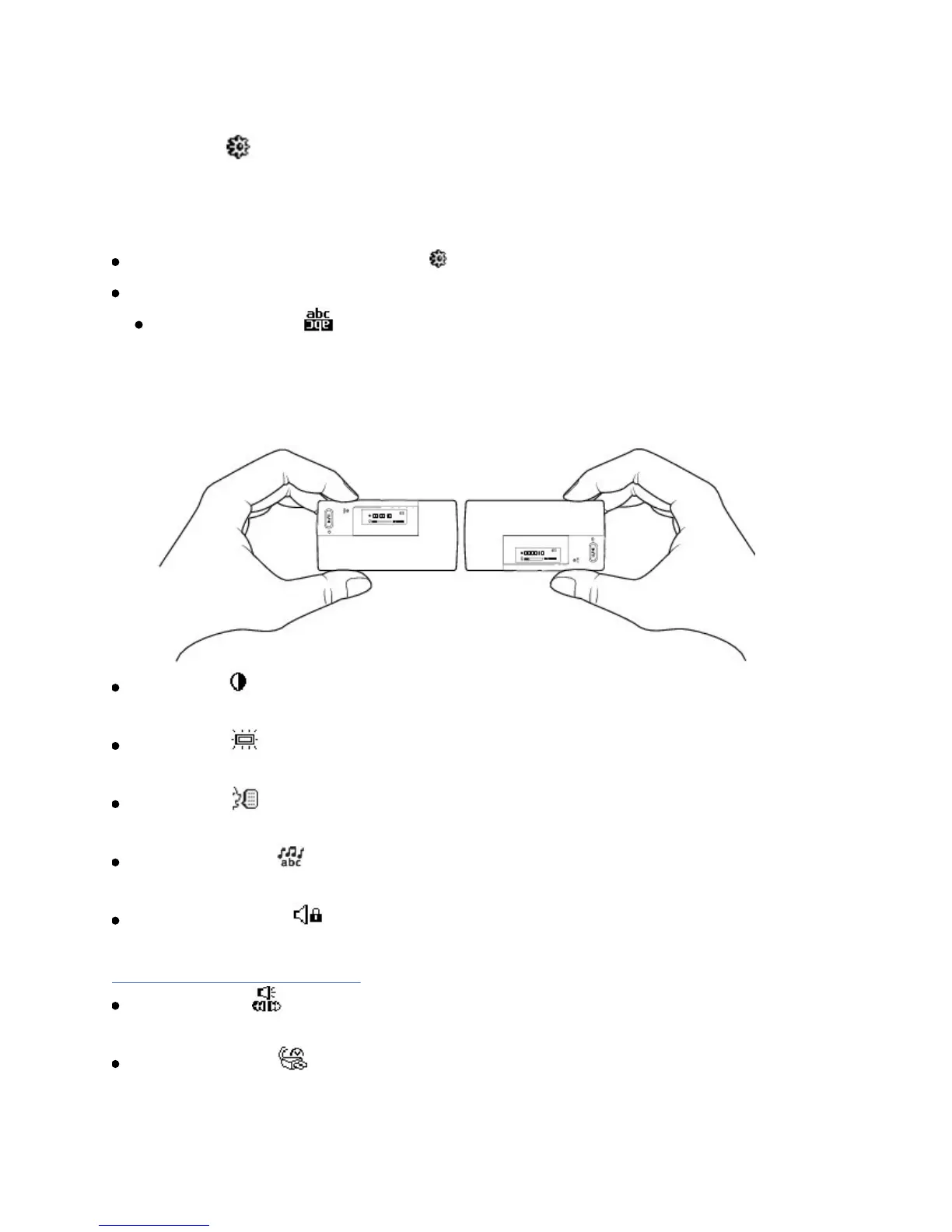
RotateDisplay
Flipsthedisplayforright-handedorleft-handeduse.Thedefault
orientationisforright-handeduse.Ifyouareleft-handed,youcanswitch
theorientationifyouprefertousethecontrolsofyourplayerwithyourleft
hand.
Contrast
AdjuststhecontrastoftheLCD.
Backlight
Adjustsbacklightduration.
Language
SetsthedefaultlanguagedisplayedontheLCD.
LyricsDisplay
Displayslyrics(ifavailable)onyourplayer'sLCD.
RestrictVolume
Restrictsyourplayer'smaximumplaybackvolume.Formoreinformation,see
Enablingvolumerestriction.
Cue/Review
SetswhetheryoucanusetheScrollertocueorreview.
IdleShutdown
Adjustshowlongyourplayerremainsinactivebeforeitautomaticallyshuts













 To Next Page