Using Your NOMAD II Player 20
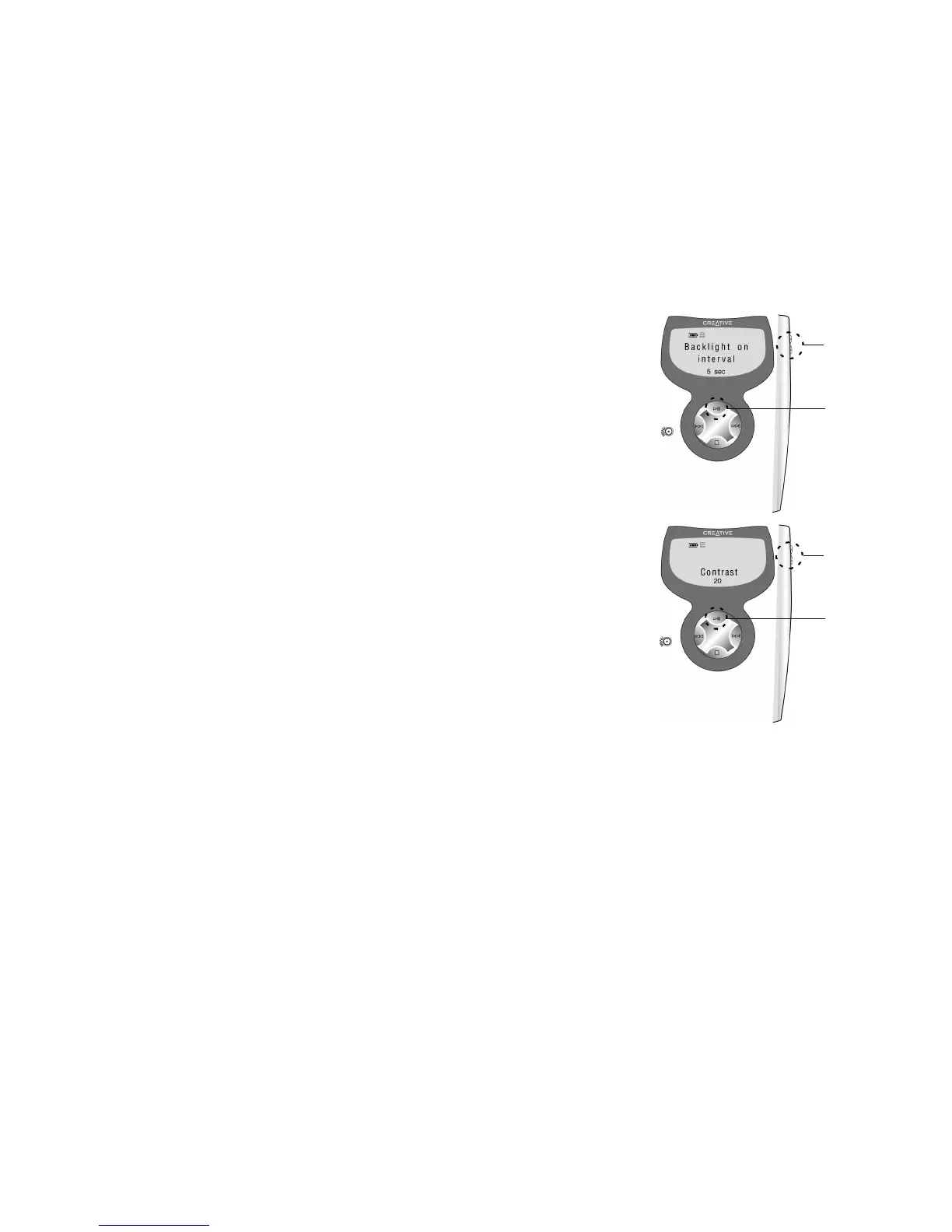
To set Backlight on interval:
1. Navigate to the Backlight icon and then press the Play
button.
2. Press the VOL+ or VOL- buttons on the player or the
Forward or Reverse buttons on the remote control to
increase or decrease the duration the backlight is activated
on the LCD.
3. Press the Play button to save the new settings. The word
“Saved” appears on the LCD and the Settings Menu appears.
The maximum duration is 12 seconds.
To set Contrast:
1. Navigate to the Contrast icon and then press the Play button.
2. Press the VOL+ or VOL- buttons on the player or the
Forward or Reverse buttons on the remote control to increase
or decrease the contrast level.
3. Press the Play button to save the selected setting.
“Saved” appears on the LCD and the Settings Menu appears.













 To Next Page