Using Your NOMAD II Player 21
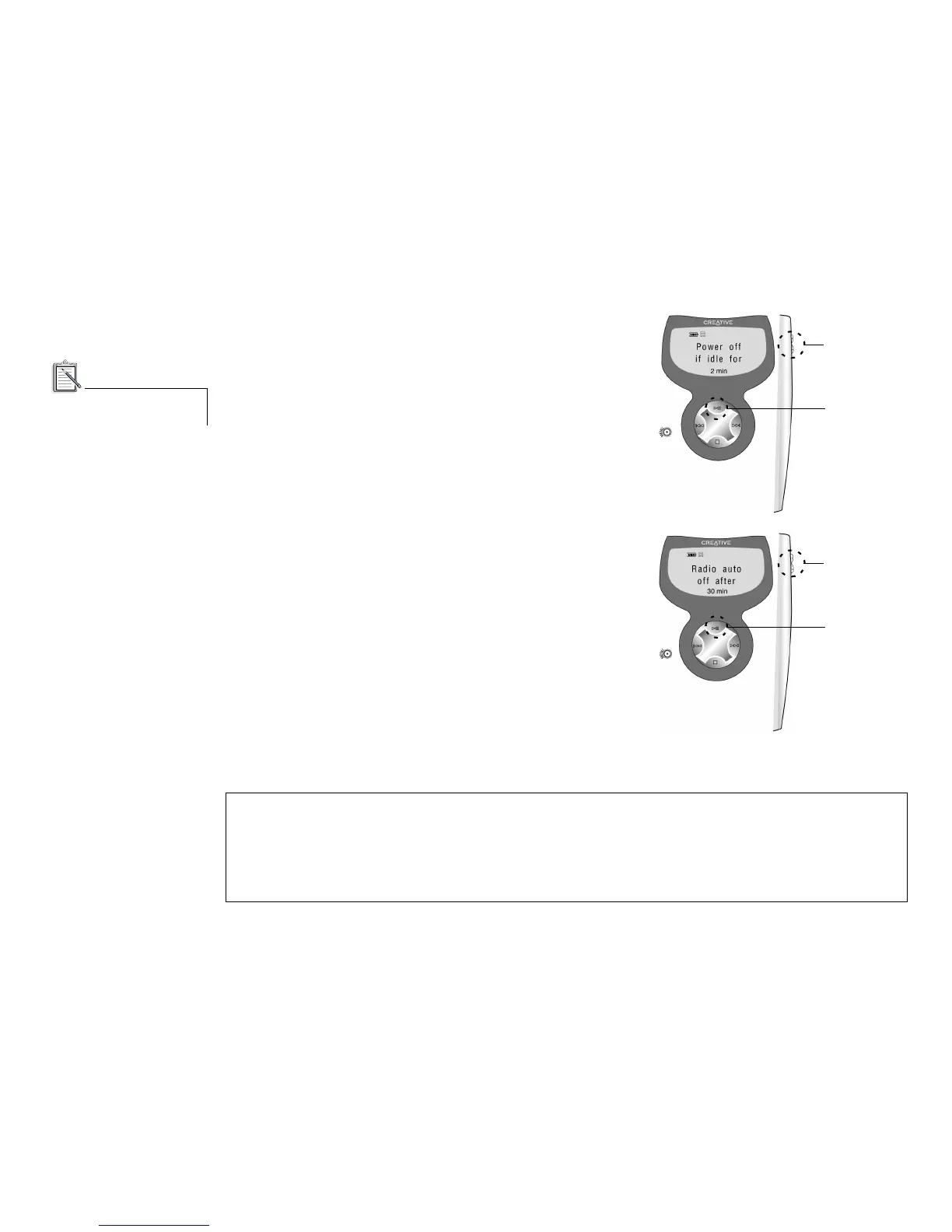
To set Power off when idle:
1. Navigate to the Power Off icon and press the Play button.
2. Press the VOL+ or VOL- buttons on the player or the
Forward or Reverse buttons on the remote control to increase
or decrease the time after which the player will switch off if
there are no operations.
3. Press the Play button to save the selected setting.
“Saved” appears on the LCD and the Settings Menu appears.
To set Radio sleep time:
1. Navigate to the FM Sleep icon and then press the Play
button.
2. Press the VOL+ or VOL- buttons on the player or the
Forward or Reverse buttons on the remote control to increase
or decrease the time after which the radio automatically
switches off.
3. Press the Play button to save the selected setting. “Saved”
appears on the LCD and the Settings Menu appears.
The maximum time before the player switches off is three hours.
The DSP button does not
operate in lineout mode.
Remember to visit www.nomadworld.com for the latest updates and enhancements for your
NOMAD II Player.
You may also enjoy the new LAVA software from Creative Labs. For more information, visit
www.lava.com on the Internet.













 To Next Page