Using Your NOMAD Player 11
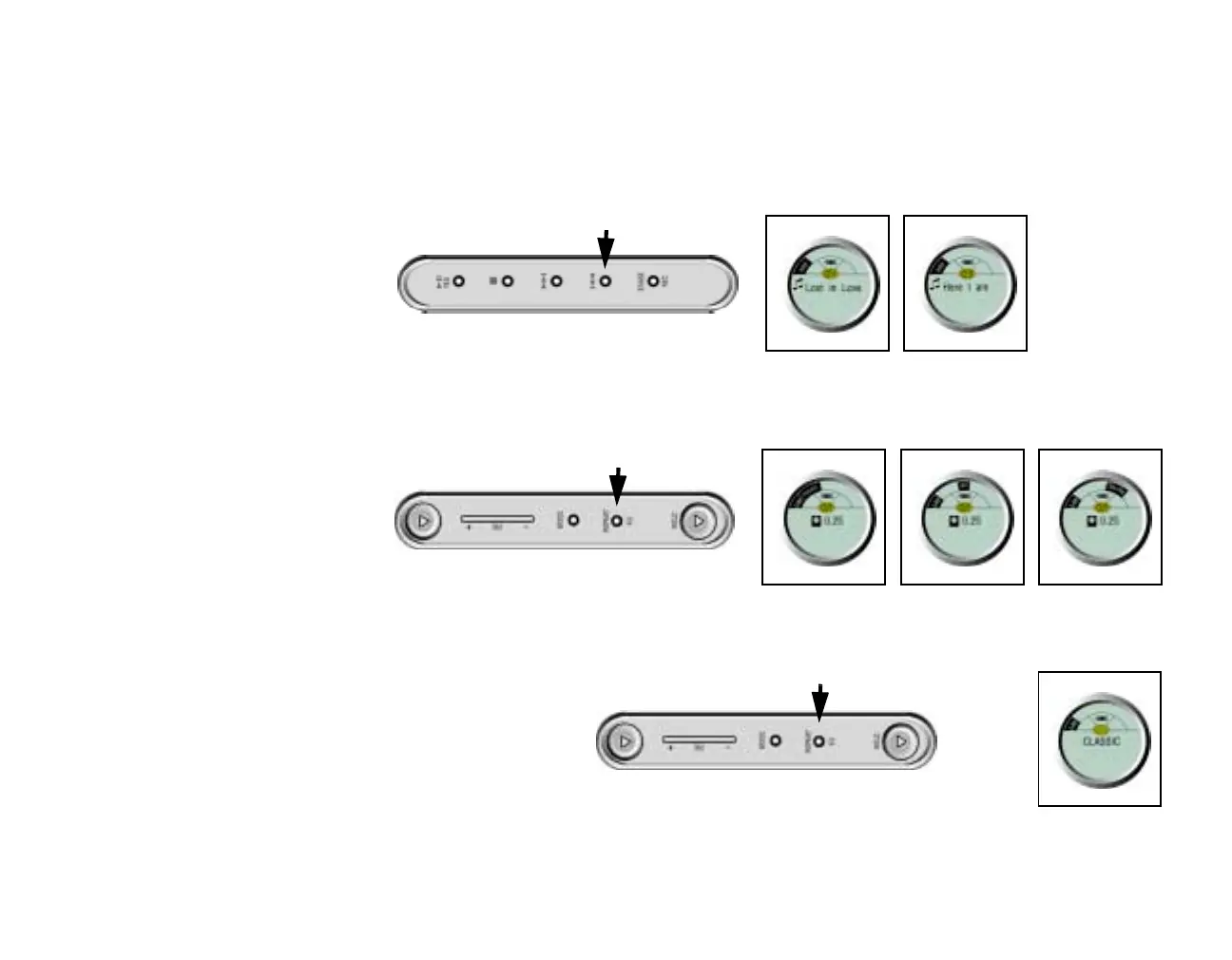
Reverse
In Stop mode:
1. Press the Reverse button to skip to the previous track. Once a track is selected, it starts playing in three
seconds unless you select another operation.
In Playback mode:
1. Press the Reverse button to skip to the previous track.
Repeat:
1. Press the Repeat/EQ button and then select either Repeat, Repeat All, or Shuffle which appears in
order.
Equalizer Mode
1. Press and hold the Repeat/EQ button to select the Equalizer mode.
2. Select an option among
Normal, Classic, Jazz,
Rock that appears in
turn.
Right Side
Left Side
Repeat Repeat All Shuffle
Left Side













 To Next Page