Using Your NOMAD Software 23
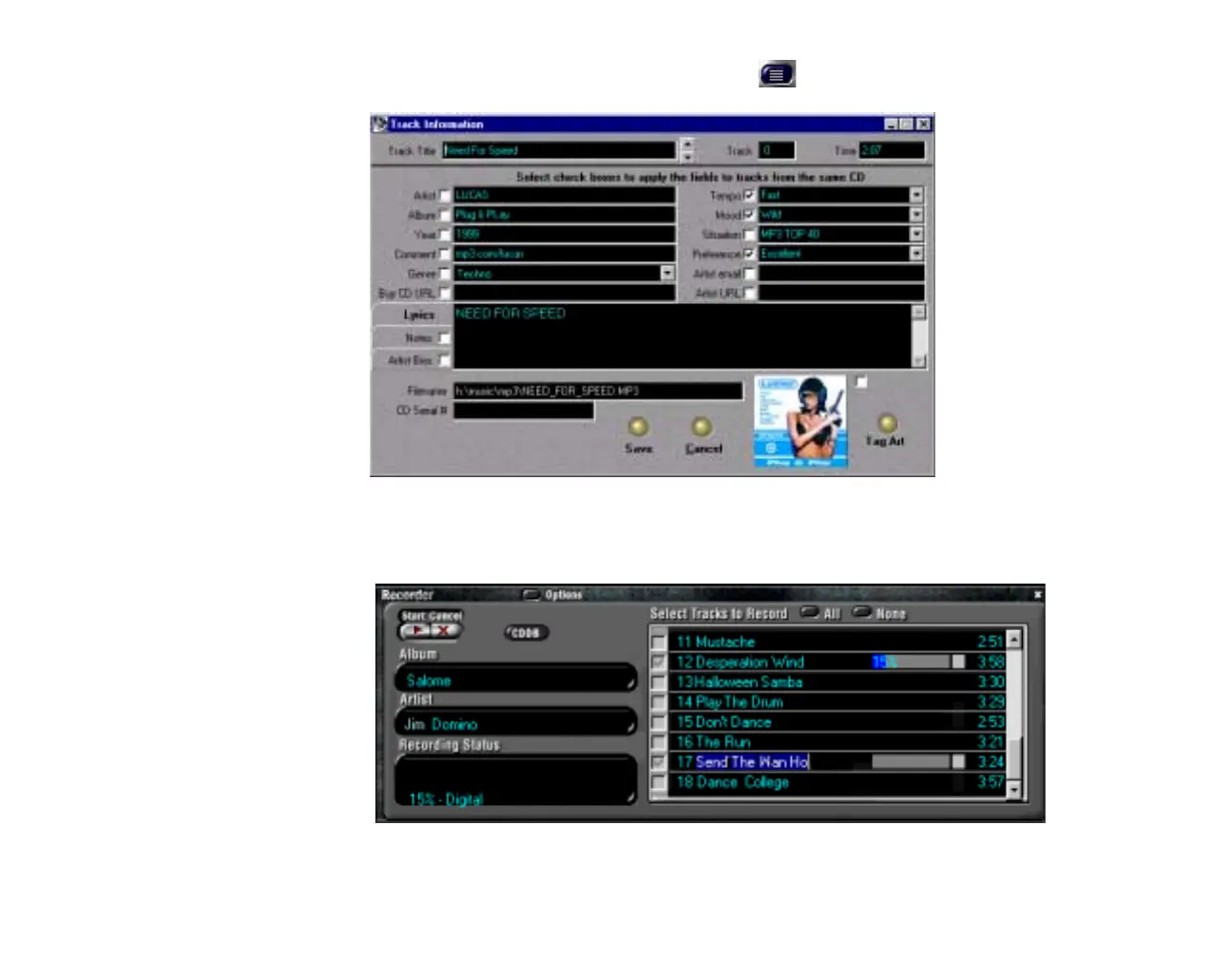
Track Info The Track Info button on the Digital Audio Center opens the Track Info screen.
Record Tracks
To record tracks from your CD library into the MusicMatch Jukebox, put a music CD in your CD-ROM
drive and open the Recorder by clicking the Options button, selecting View, and click on Show Recorder.
Select the tracks you want to record and click on Start
.













 To Next Page