Using Your NOMAD Software 27
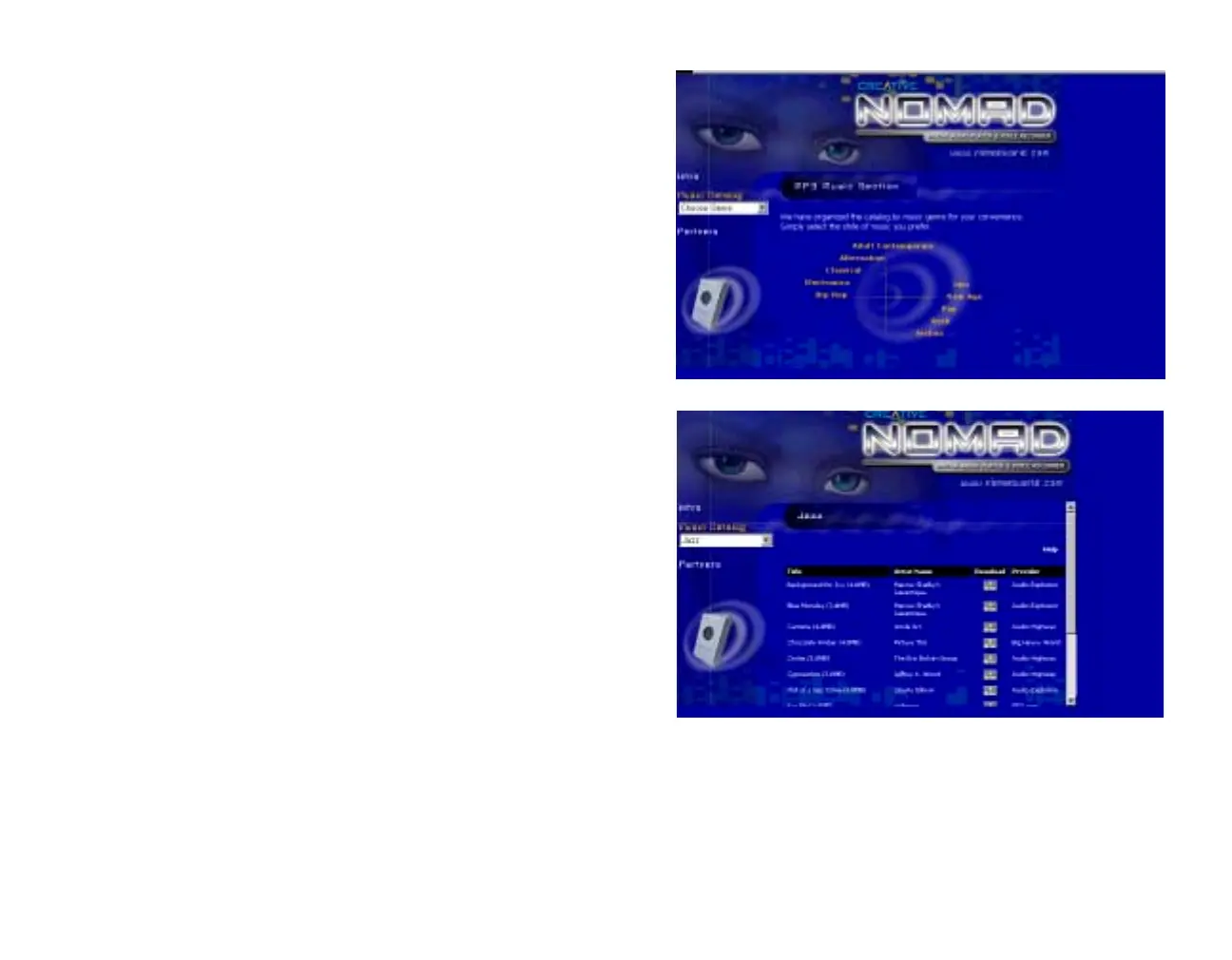
2. On the NOMAD CONTENTS
CD home screen, click Music
Catalog to display the
directory
of music genres represented on
the Content CD.
3. Click on one of the music types
displayed to open a listing of
the selections available on the
Content CD for that genre.













 To Next Page