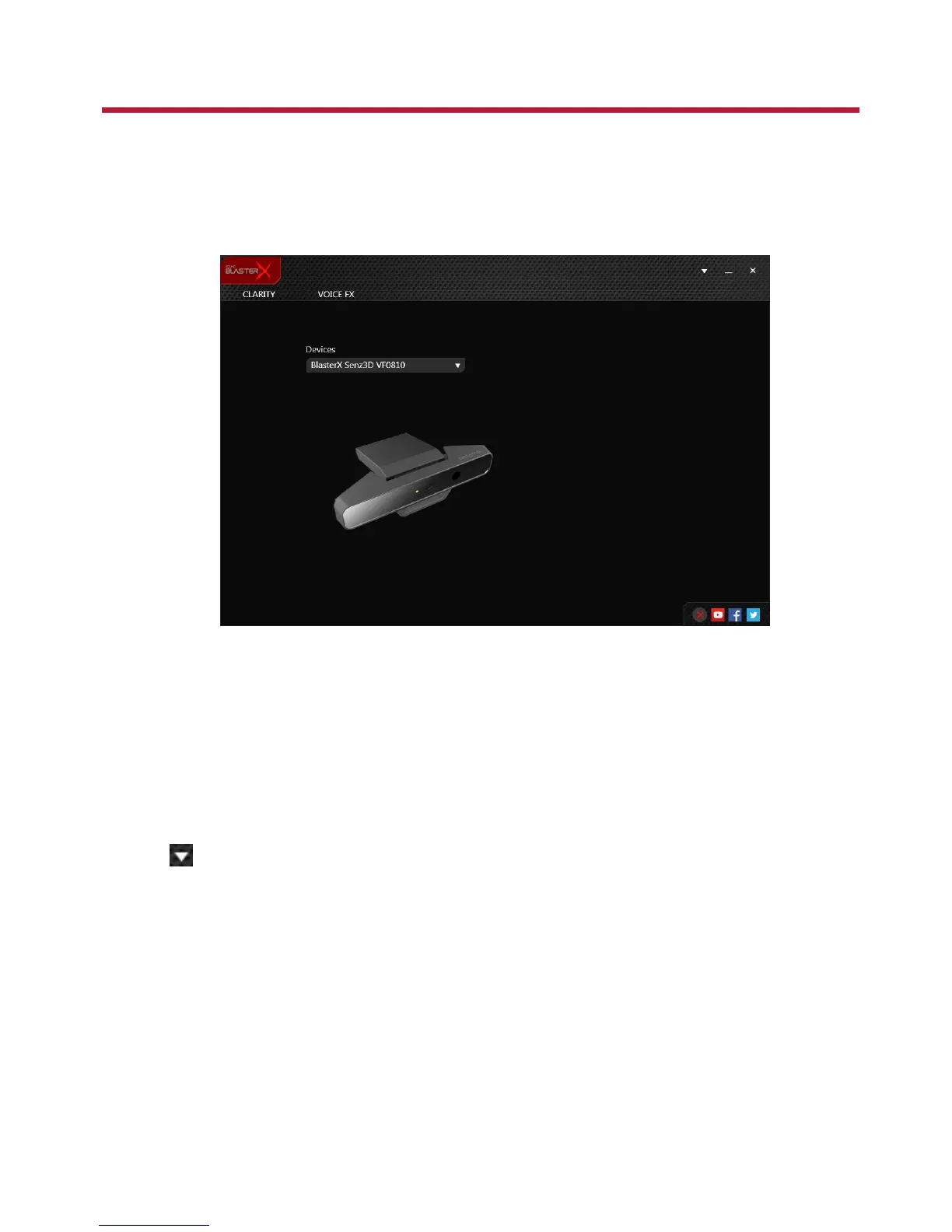
Using the Creative Software Suite
A software suite for the BlasterX Senz3D is developed to provide additional enhancements to the voice
inputs of the product.
Applications
l BlasterX Acoustic Engine Pro
l Creative Online Registration
l Creative System Information
Automatic Software Update
Locating, downloading and installing updates for your Creative product is now simpler and faster with
the in-app Automatic Software Update system.
1. Connect your product to your computer.
2. Launch the BlasterX Acoustic Engine Pro application.
3.
Click to go to the settings menu, and then select Software Update.
4. Follow the instructions on the screen.
Note:
An Internet connection is necessary. Ensure that your system is connected to the Internet before you
perform the check for software updates.
BlasterX Senz3D (VF0810) – Using the Creative Software Suite 10








 To Next Page