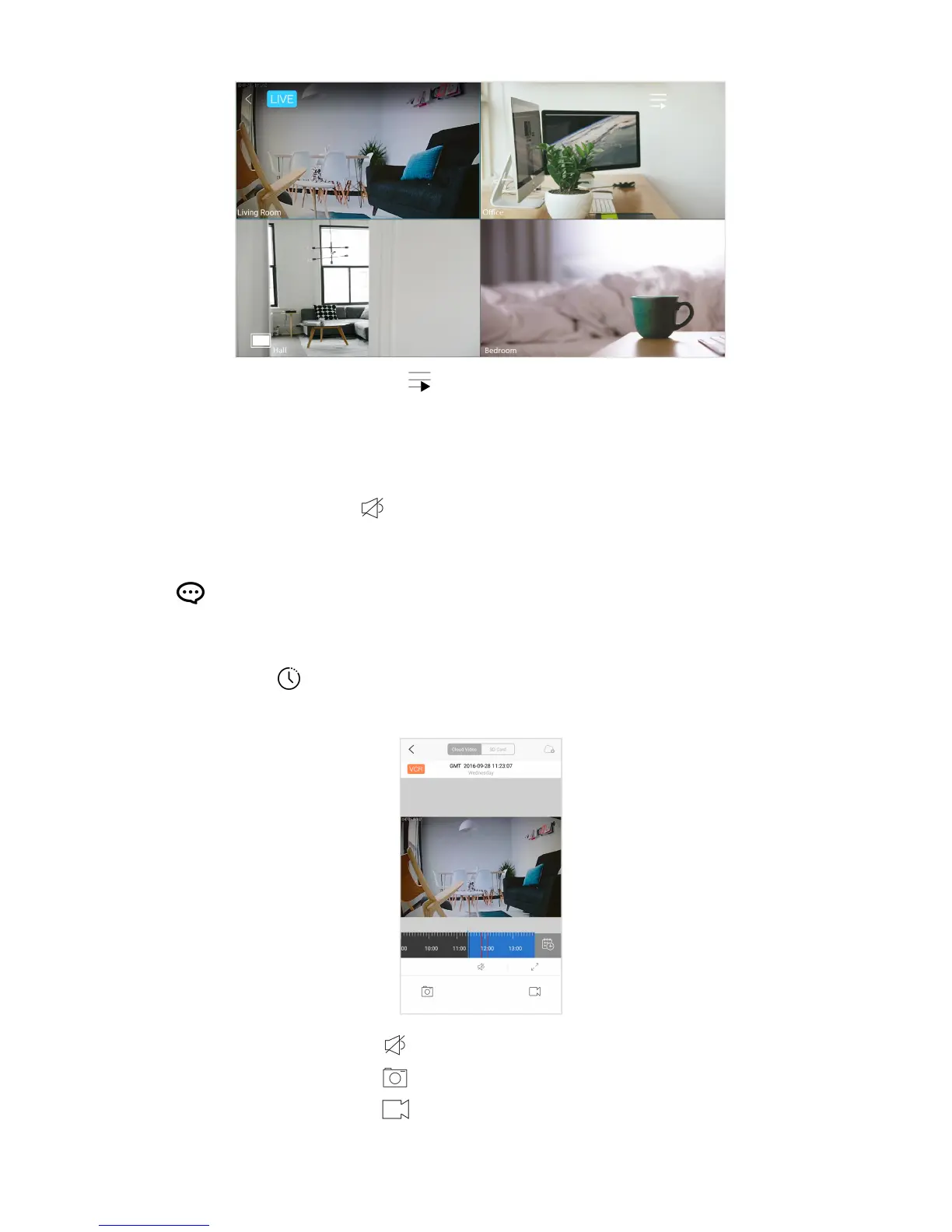
list of cameras
Tip:
Double-tap the playback screen to switch from single view to multiview, and vice versa.
2. On/Off Camera Microphone
Turn on the camera microphone to listen to audio via the camera.
3. Alerts
View short video recordings of motion or sound detected.
4. Recording history
View the video recording history stored on the cloud or microSD card.
on/off recorded audio
take snapshot*
record video*
Live! Cam IP SmartHD (VF0820) – Using Your Device 10


 To Next Page