EasyManua.ls Logo

Creative WebCam NX Ultra - Page 11

Creative WebCam NX Ultra
32 pages
Print Icon
To Next Page IconTo Next Page
To Previous Page IconTo Previous Page
Loading...
Installing Creative WebCam NX Ultra 1-1
Installing Creative WebCam NX Ultra
This chapter tells you how to quickly install Creative WebCam NX Ultra.
About
Creative
WebCam NX
Ultra
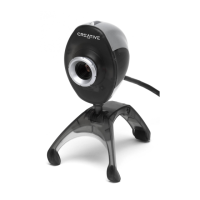
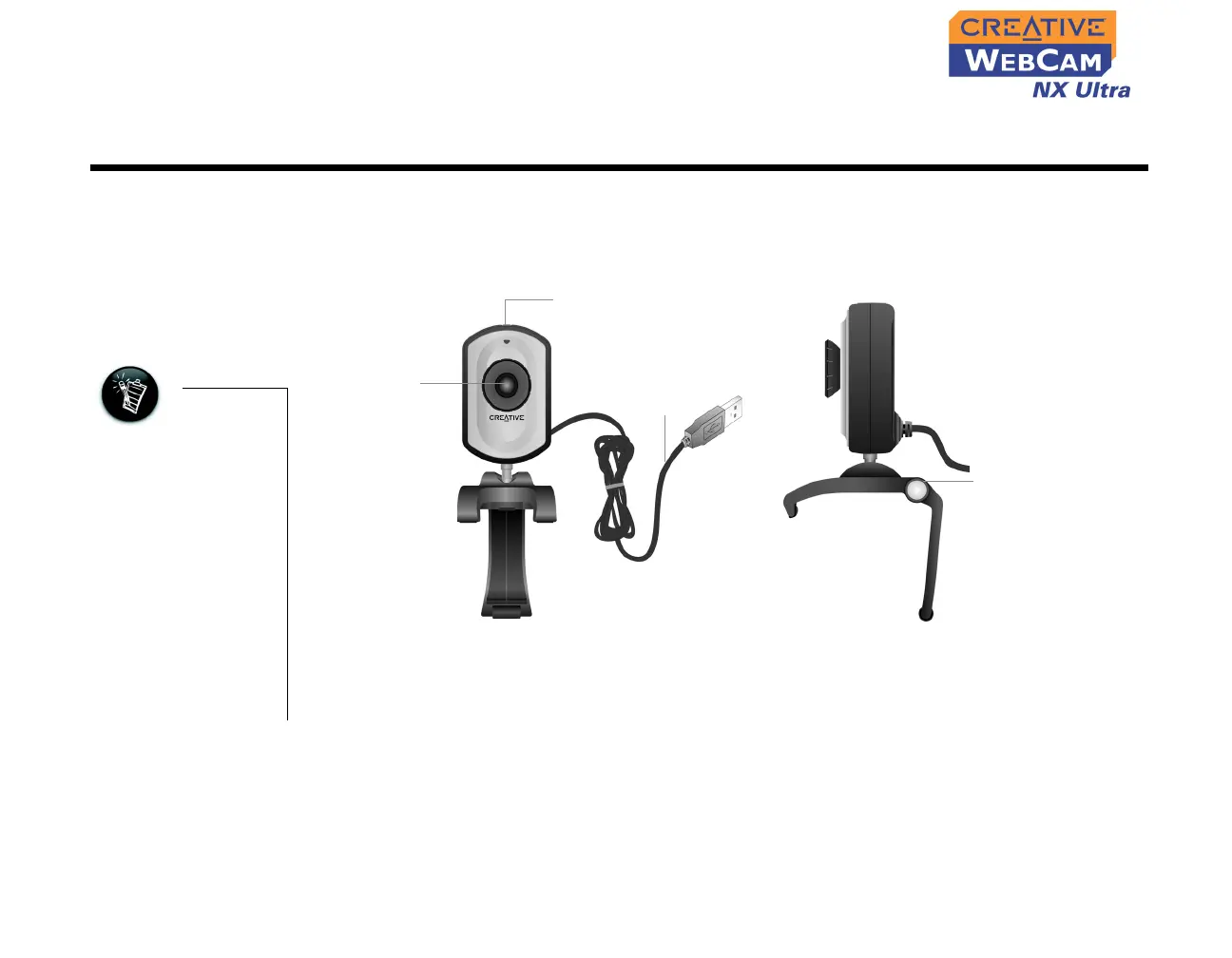
Figure 1-1 highlights the features of Creative WebCam NX Ultra.
• You can install the
WebCam with your
computer turned
on.
• The USB port(s) on
your computer may
be found on the
front panel and/or
the back panel.
• You can attach the
WebCam to a USB
hub with an
external power
supply.
Figure 1-1: Creative WebCam NX Ultra
Focus ring
Adjusts the view
focus. Point the
lens towards
your subject and
then rotate this
ring in a
clockwise or
counterclockwise
motion until the
image is in focus.
USB cable
USB connector
Front View Side View
Hinged lever for
mounting camera on
LCD panel
Snapshot button
Press this button to
launch PC-CAM center
or capture images