Zen Vision at a Glance 17
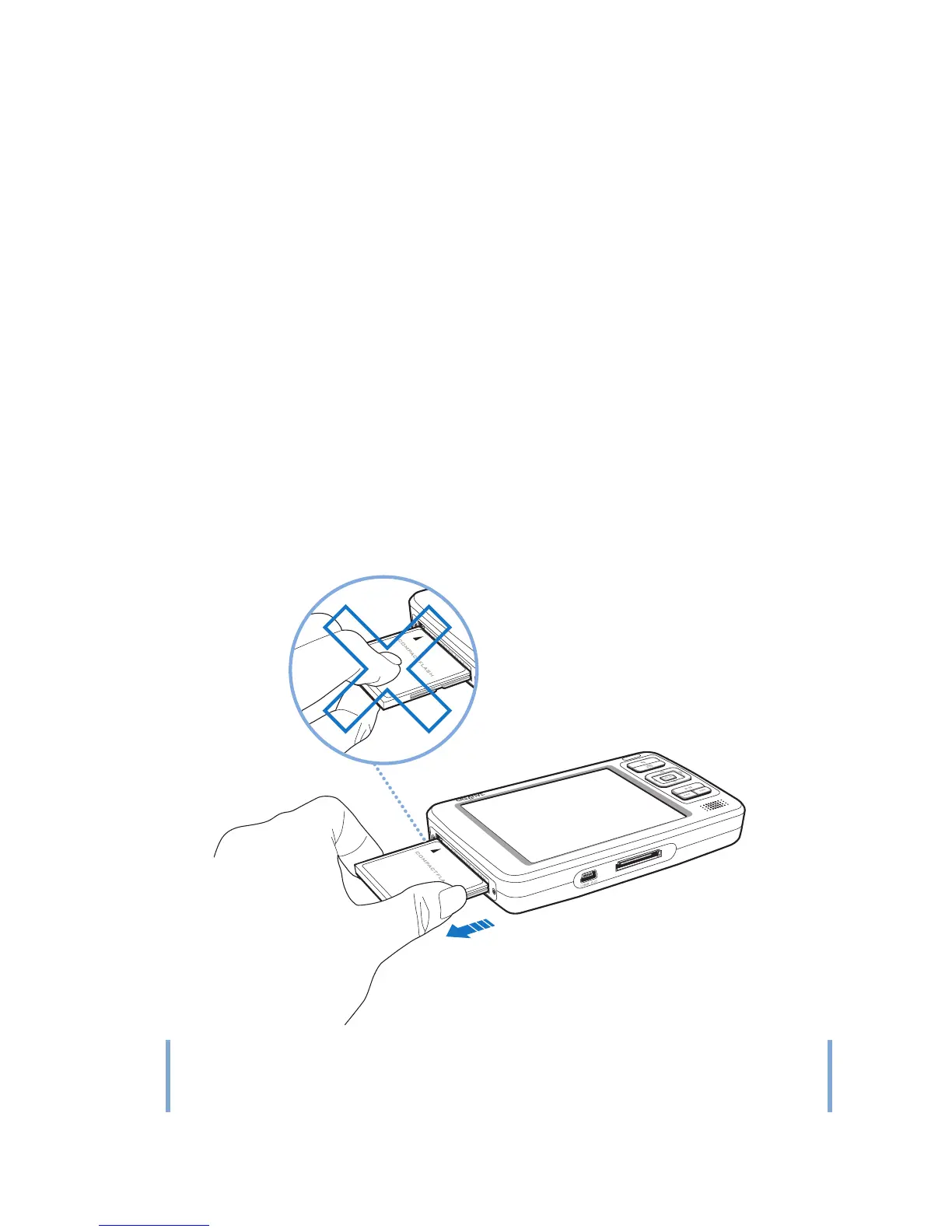
3 To remove the memory card, pull out the memory card as shown below.
NOTE
To avoid permanent damage:
■ DO NOT shake the memory card when removing it.
■ Remove the memory card only when when your player is at the Main Menu or when
your player is turned off .















 To Next Page