Storing Data Files in Zen Vision 53
Stopping Zen Vision Properly
To prevent data loss, ensure that:
■ you have disconnected Zen Vision properly in Windows before unplugging it from the USB port
on your computer (refer to the steps for your respective operating system)
■ you do not unplug Zen Vision from the USB port on your computer when transferring files to or
from the device, or when files stored in Zen Vision are in use.
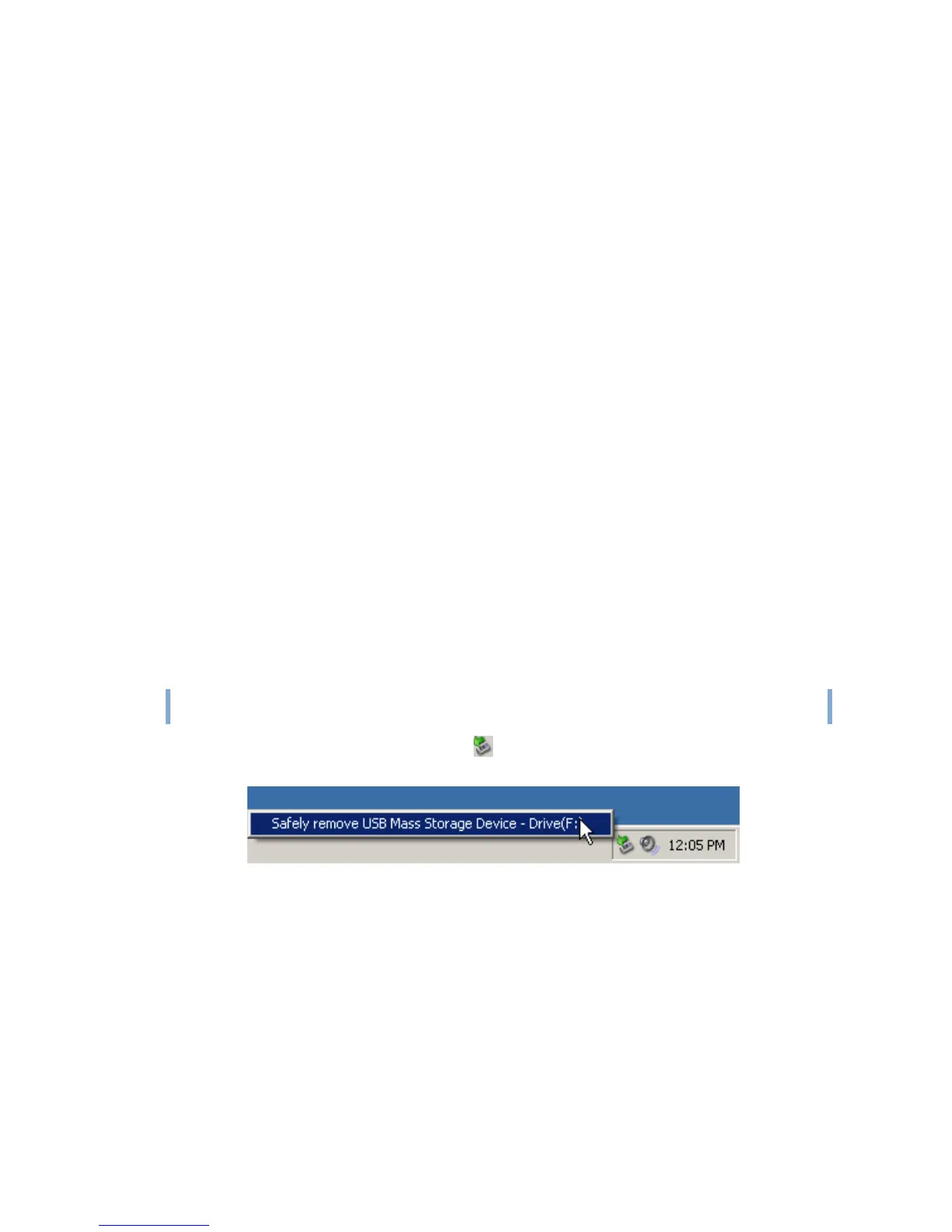
Click the Safely Remove Hardware icon on the Taskbar, click Safely remove USB
Mass Storage Device, and disconnect your player when you are prompted to do so.
CAUTION!
Only disconnect Zen Vision after the Do not Disconnect message disappears from
the LCD. If not, your player may not be able to function normally.















 To Next Page