Transferring and Managing Content 26
Transferring Content
Transferring content from your computer
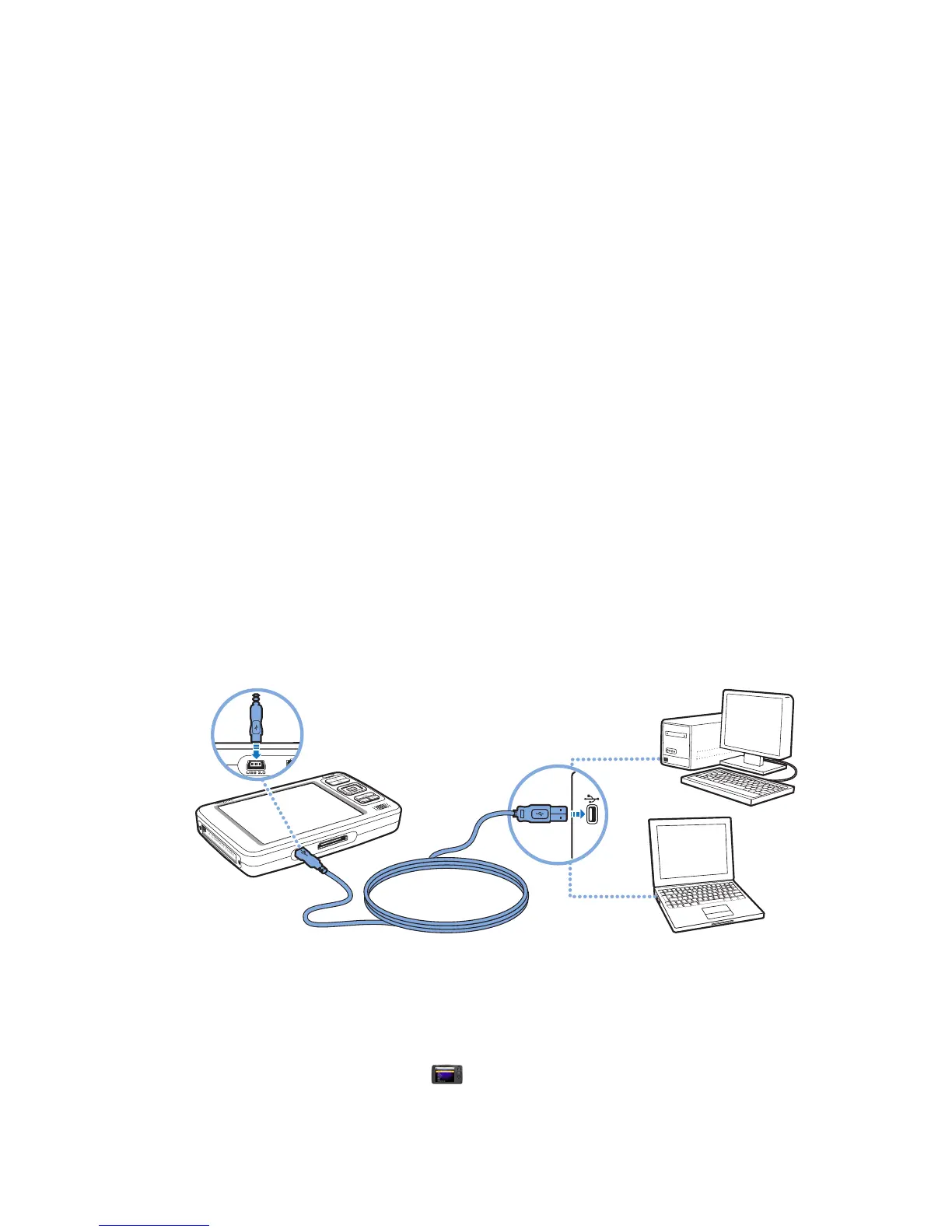
1 Connect Zen Vision to your computer’s USB port with the supplied USB cable.
2 Double-click the My Computer icon on your desktop.
Alternatively, click Start → My Computer.
3 Click the Creative Media Explorer icon.















 To Next Page