Creator C310+ BM Multi-system Scanner
12
Press
[ ][ ]
to select,
[ ]
and
[ ]
to Page,
[ ]
to confirm.
Select the Chassis of the vehicle, and press
[ ].
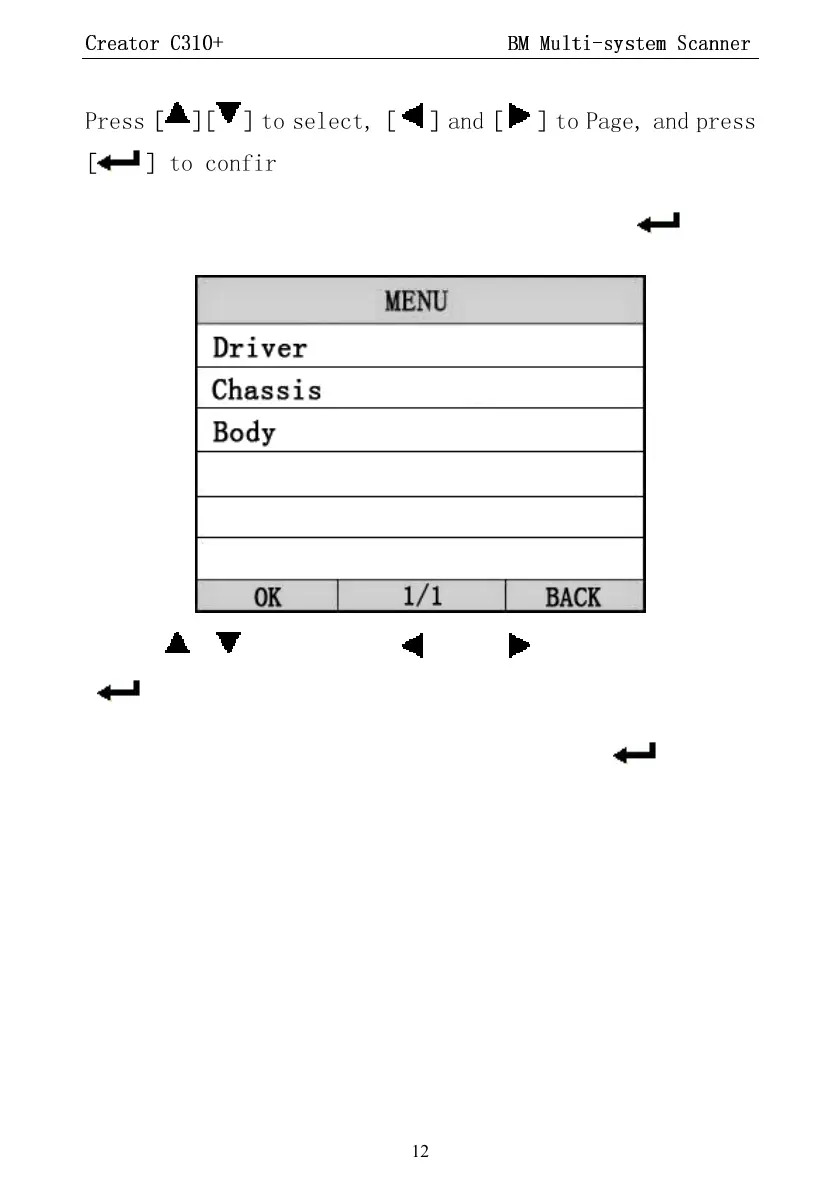
The screen will display the interface as shown below:
Press
[ ][ ]
to select,
[ ]
and
[ ]
to Page,
[ ]
to confirm.
Select the model of the vehicle, and press
[ ].
The screen will display the interface as shown below:


 To Next Page