Creator C310+ BM Multi-system Scanner
18
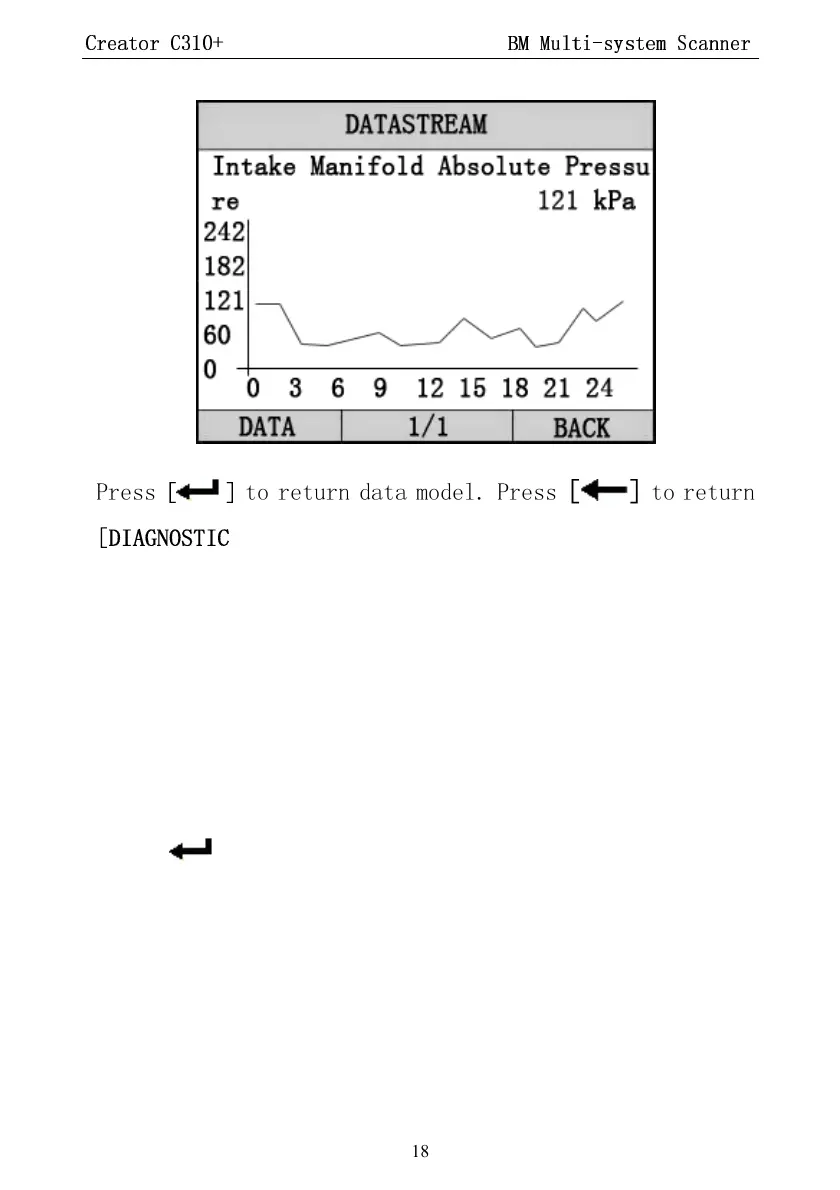
Press
[ ]
to return data model. Press
[ ]
to return
[DIAGNOSTIC MENU].
4.4 Vehicle Information
Vehicle Information function is to display the
ECU information, including Software version,
hardware version, diagnostic index, pro. Date,
part number ECT. This function is not supported
by some system.
Select
[Vehicle information]
in the
[Diagnostic Menu]
Press [ ]. The screen will display as shown below:


 To Next Page