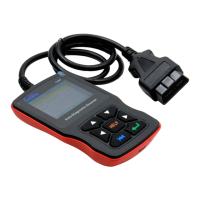
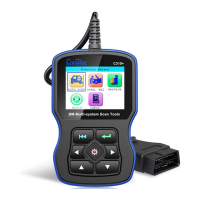
Creator C310+ BM Multi-system Scanner
8
3. Software Function
CATION: Don’t connect or disconnect any test
equipment with ignition on or engine running.
1) Turn the ignition off.
2) Locate the vehicle’s 16-pin Data Link
Connector (DLC)
3) Plug into the scan tool cable connector to the
vehicle's DLC ,the scan tool will be light.
As shown
4) Turn the ignition on. Engine can be off or
running
5) Press any key to enter Main Menu.


 To Next Page