Creator C310+ BM Multi-system Scanner
16
4.2 Erasing Codes
CAUTION: Erasing the Diagnostic Trouble Codes
may allow the scan tool to delete not only the
codes from the vehicle’s on-board computer,
This function is performed with key on engine
off (KOEO). Do not start the engine.
Select
[Erase Trouble Code]
and press
[ ]
in
Menu]
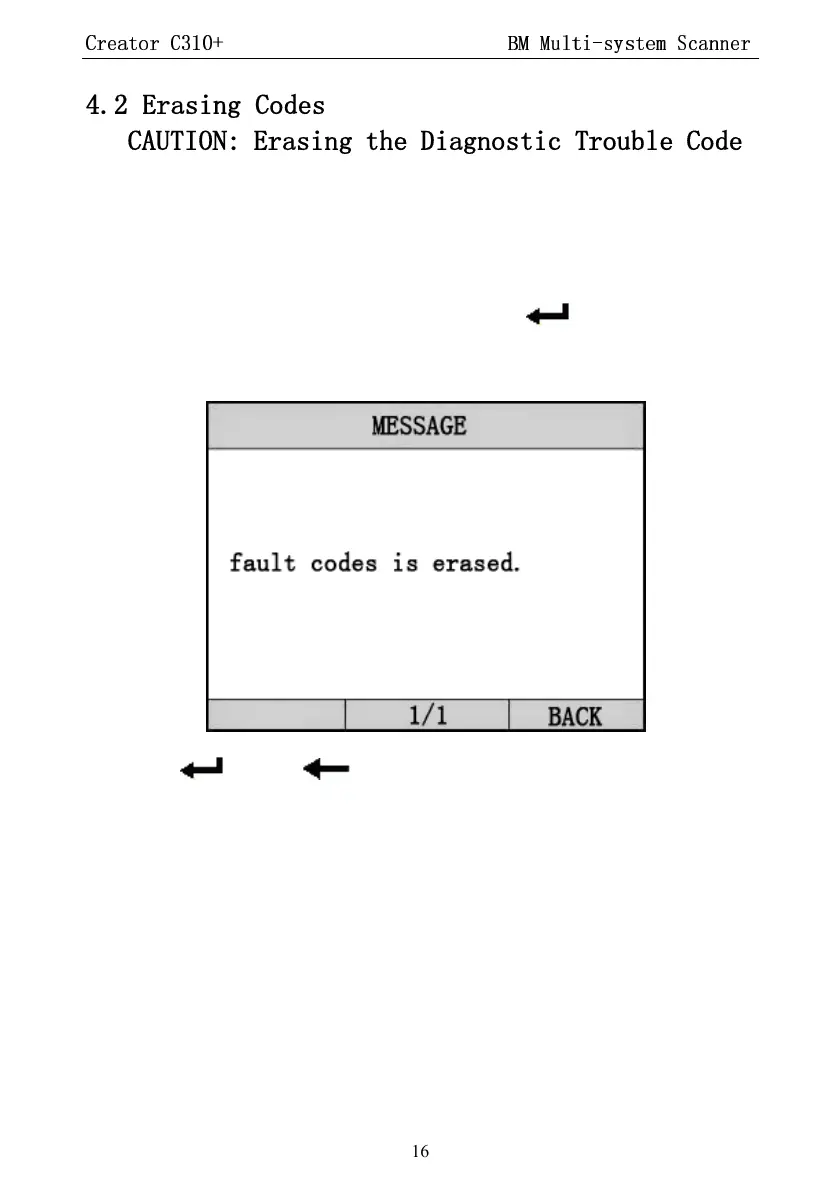
. the screen will display the interface as shown
below:
Press
[ ]
or
[ ]
to return the
[Diagnostic menu]
Notes:
* Before performing this function. Make sure to retrieve
and record the trouble codes.
* After clearing, you should retrieve trouble codes once
more or turn ignition on and retrieve codes again. If there
are still some trouble codes for hard tro
the reason caused the trouble code first, and then
the problem. Now, the trouble codes can be erased.


 To Next Page