EasyManua.ls Logo

Creche Innovations MicroCool - User Manual

Creche Innovations MicroCool
12 pages
Print Icon
To Next Page IconTo Next Page
Loading...
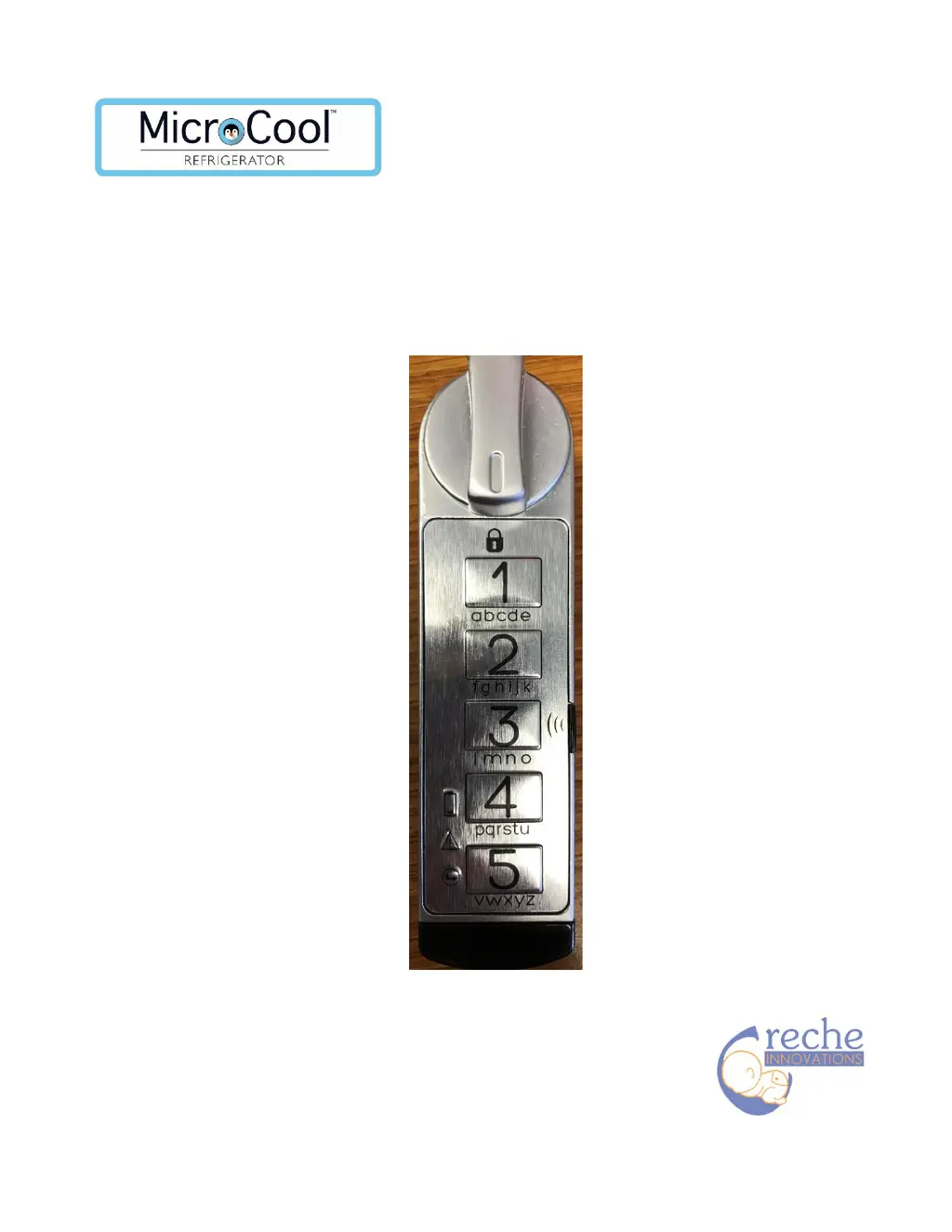
Digital Lock for MicroCool™ Refrigerator
Station Mode Instructions

Other manuals for Creche Innovations MicroCool

Questions and Answers

  • E
    Emily SinghAug 13, 2025
    Why is the light output poor on my Creche Innovations Lighting Equipment?
    • T
      Travis WilsonAug 13, 2025
      If the light output on your Creche Innovations Lighting Equipment is poor, it could be due to loose or corroded connectors. Check all connections and clean or replace them as necessary. Another possible cause is a faulty LED module, which would need to be replaced.
  • J
    James BennettAug 25, 2025
    How to fix Creche Innovations Lighting Equipment light head that does not hold position?
    • J
      justin28Aug 25, 2025
      If the light head of your Creche Innovations Lighting Equipment doesn't hold its position, it might be because the arm lever isn't tightened enough. Try tightening the lever as required. Alternatively, there could be worn or missing components, in which case you should replace the arm.
  • D
    dean11Nov 3, 2025
    What to do if Creche Innovations Lighting Equipment has no light output?
    • J
      johnny04Nov 3, 2025
      If your Creche Innovations Lighting Equipment has no light output, there could be several reasons: * It might not be plugged in. Ensure it is plugged into a suitable hospital-grade grounded socket. * The switch might not be 'on'. Turn the switch to the 'I' position, either left or right. * The LED might have failed, requiring a replacement with a new LED module. * The fuses might have failed due to an internal short, high mains voltage or voltage spikes, or a lightning strike. Replace the fuses and consider using a voltage regulator. Locate any shorts and fix them. * There could be a break in the wiring, which needs to be located and replaced. * A short or open circuit in the power supply. Check the condition of the transformer and wiring. * The switch might have failed and ...

Summary

Getting Started

Access Levels and Codes

Details factory master (135243) and supervisor (123) codes, and access levels.

Station Mode Programming Instructions

Change Master Code (Factory Code)

Steps to change master code using factory master code (135243).

Change Supervisor Code (Factory Code)

Steps to change supervisor code using factory supervisor code (123).

Add User Code (Supervisor)

Steps to add a user code using the supervisor code.

Change Master Code (Current Code)

Steps to change master code using the old master code.

Change Supervisor Code (Supervisor Code)

Steps to change supervisor code using the old supervisor code.

Switching Modes

Creche Innovations MicroCool Specifications

General IconGeneral
BrandCreche Innovations
ModelMicroCool
CategoryLocks
LanguageEnglish