앰프 본격 사용하기 OPERATING THE EVOLUTION 50A
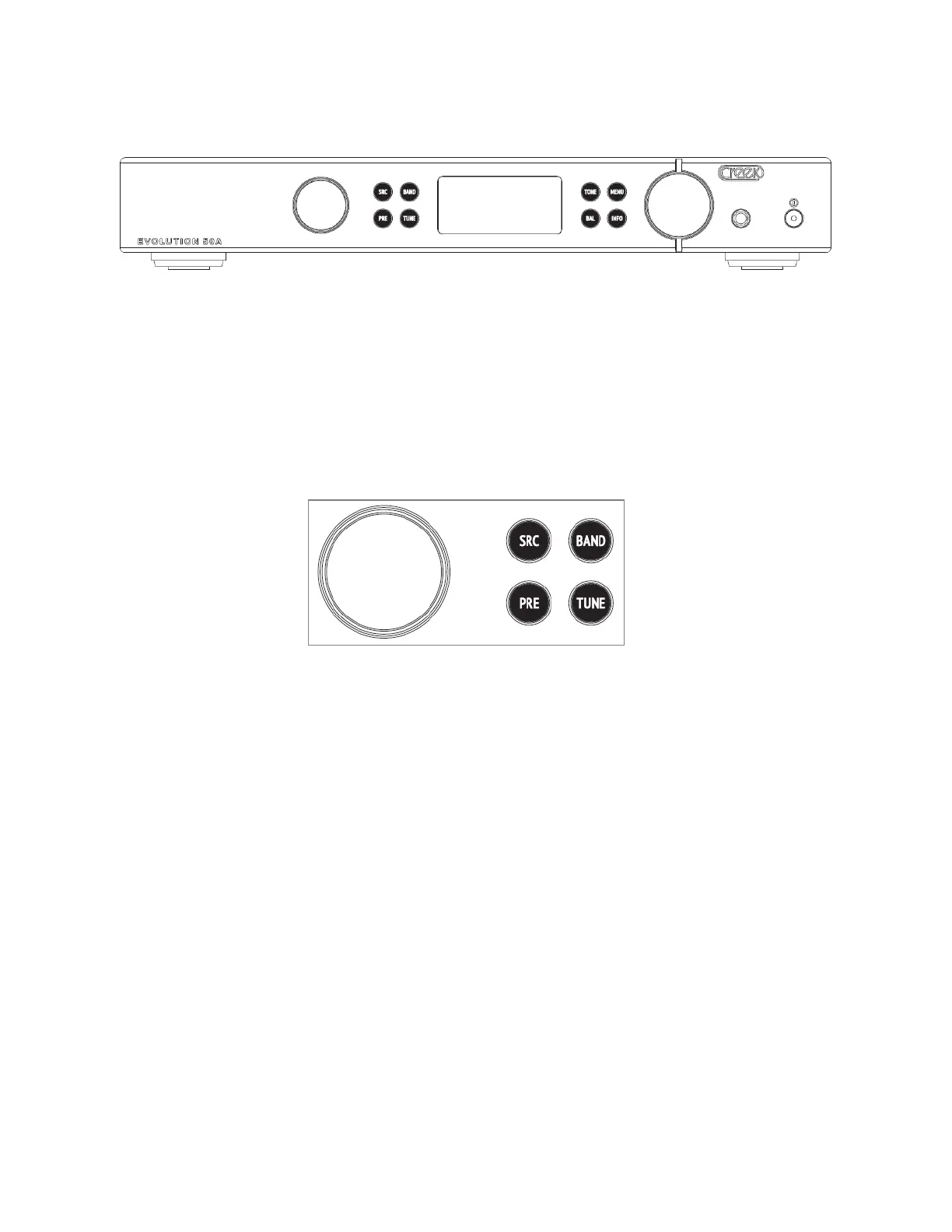
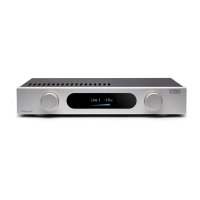
전면에는 좌측에서부터 회전식 입력 셀렉터 노브, 4 개의 버튼 (SRC, PRE, TUNE, BAND)이
있습니다. 중앙에 OLED 표시창이 있고 우측에 네 개의 버튼 (TONE, MENU, BAL and INFO)이
있습니다. 그 외에 볼륨, 헤드폰 소켓, 전원 스위치가 있습니다.
The front panel controls, from left to right, feature a rotary input selector knob, a group of 4 buttons marked
SRC, PRE, TUNE, and BAND for the tuner, if fitted. Next is the OLED display window, then 4 more buttons
marked TONE, MENU, BAL and INFO. The volume control, headphone socket and Power on/off switch
complete the lineup.
주의: 모든 세팅은 기억되어 전원을 끄더라도 기억을 유지하고 있습니다.
NOTE: All control settings are memorized, even when the power is turned off.
전원 스위치를 눌러서 전원을 켜십시오. 맨 처음 CREEK 로고가 표시창에 나타납니다. 로고가
사라지고 입력소스와 볼륨 값이 표시되면 사용 준비가 완료된 것입니다.
Turn on the power using the push-button on the right-hand side of the product. The display will show the
Creek logo whilst the internal electronics are configured and allowed to settle. The amplifier is ready for use
once the display changes to show selected input and volume settings.
입력 선택은 좌측의 회전 노브를 이용하여 선택합니다. 물론 리모컨으로 선택할 수도 있습니다.
The input is selected by the left-hand rotary control, rotate the control until the desired input is shown in the
display. The inputs can also be chosen using the remote control.
볼륨 조정은 우측 볼륨 노브를 돌려 조정하거나 리모트 컨트롤을 사용합니다. 우측 노브를 누르면
뮤트 MUTE 기능이 작동합니다.
The volume can be adjusted via right-hand rotary control on the front panel or remotely with the EVOLUTION
remote handset. Pressing the knob will toggle the mute condition on and off.
⑨




 To Next Page