p. 13
features overview
3
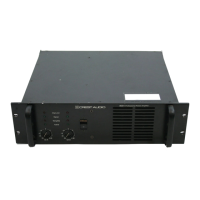
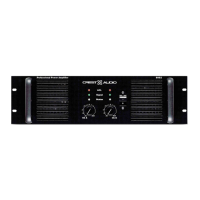
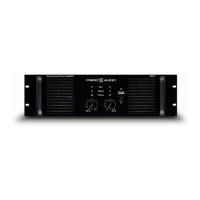
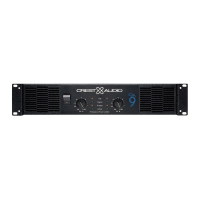
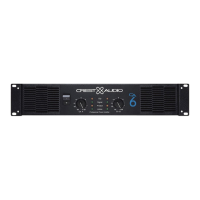
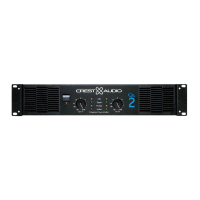
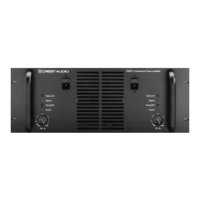
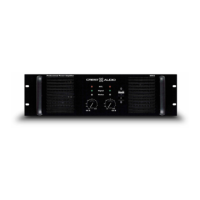
front panel
1
Rack Mounting Ears
Two front-panel mounting holes are provided on each mounting ear.
2
Rack Handles
3
Fan Outlet Grills
Pro II Series amplifiers are cooled by two, rear-mounted fans. Cool air
flows over the heat sinks and exhausts through the front grills. Make
sure these outlets remain clear to allow unrestricted airflow.
4
Signal LED
A variable-intensity LED that illuminates to indicate that a signal (above
a minimum threshold
) is present at the amplifier input,and that the sig-
nal is being amplified.
5
Input Attenuators
Two input attenuators adjust level for their respective amplifier chan-
nels. In Bridged Mono mode, the channel A attenuator controls signal
level.
6
Status LED
A bi-color LED.When green, it indicates that AC power is connected
and the amplifier is turned on.When red,the channel is in
Protect mode
(speakers disconnected by output relay).
7
ACL LED
Illuminates at the clipping threshold. Continuous illumination also indi-
cates that
ACL ACTIVE CLIP LIMITING protection circuitry is engaged.
8
AC Power Switch/Circuit Breaker
Pro II Series amplifiers have a front-panel combination AC switch/cir-
cuit breaker.
(No fuses are used.) If the switch shuts off during normal
use, push it back to the on-position once. If it will not stay on, the ampli-
fier needs servicing.
note—all LEDs are one per channel
Never try to hold the
circuit breaker/power
switch in the on-position,
if it won’t stay there itself!
a


 To Next Page