Software Crestron D3 Pro
™
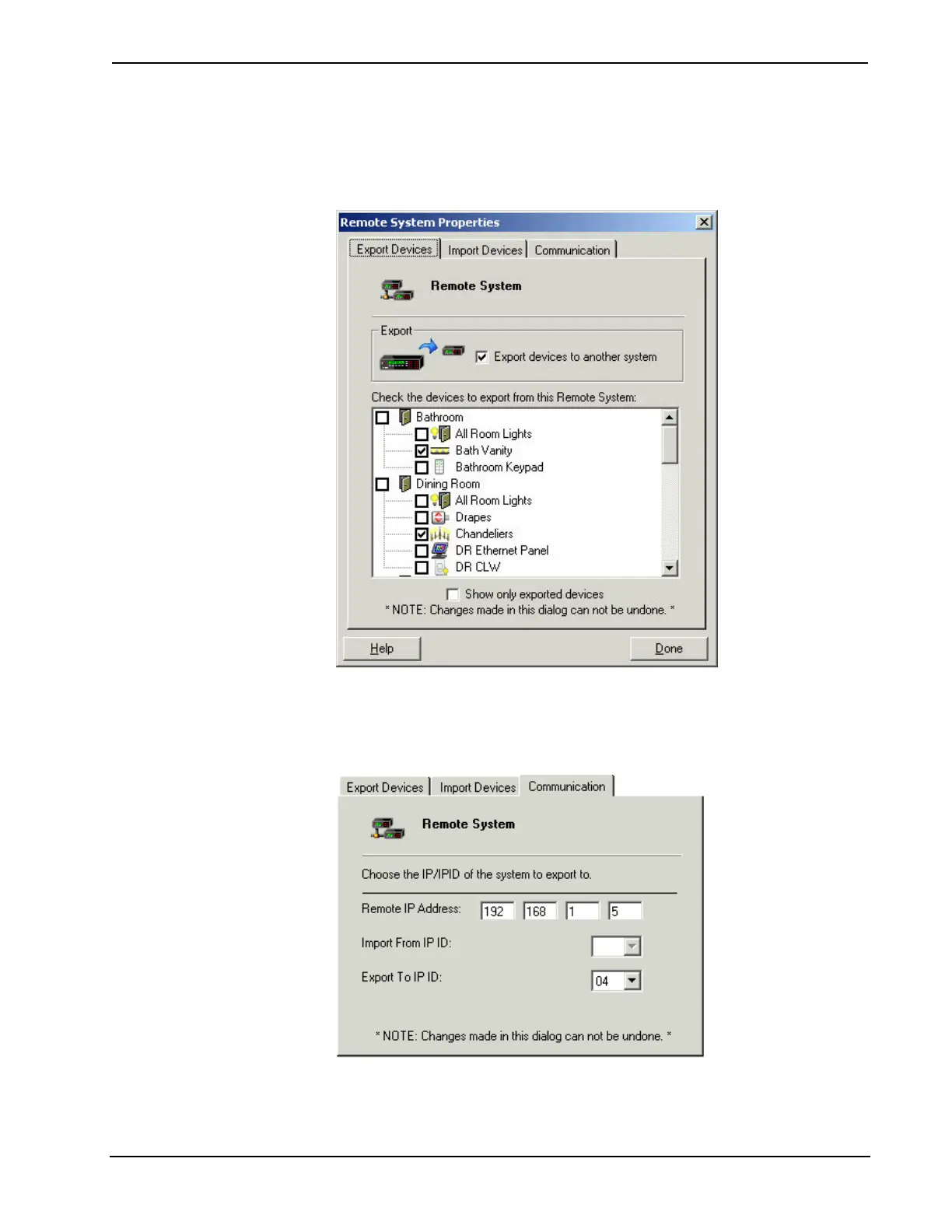
the lights in that room (but not any non-lighting devices).
If you select a room, the remote system can control all devices in the room,
including interfaces and non-lighting equipment.
5. Click the Communication tab and enter the IP address of the remote system.
The Export to IP ID value is the IP ID of the Ethernet Intersystem
Communication symbol, which has to be the same in both the lighting
program and the remote system program.
6. Click Done to close the Remote System Properties dialog box.
44 • Crestron D3 Pro™ Reference Guide – DOC. 5998a



 To Next Page