Crestron D3 Pro
™
Software
Trace Tool
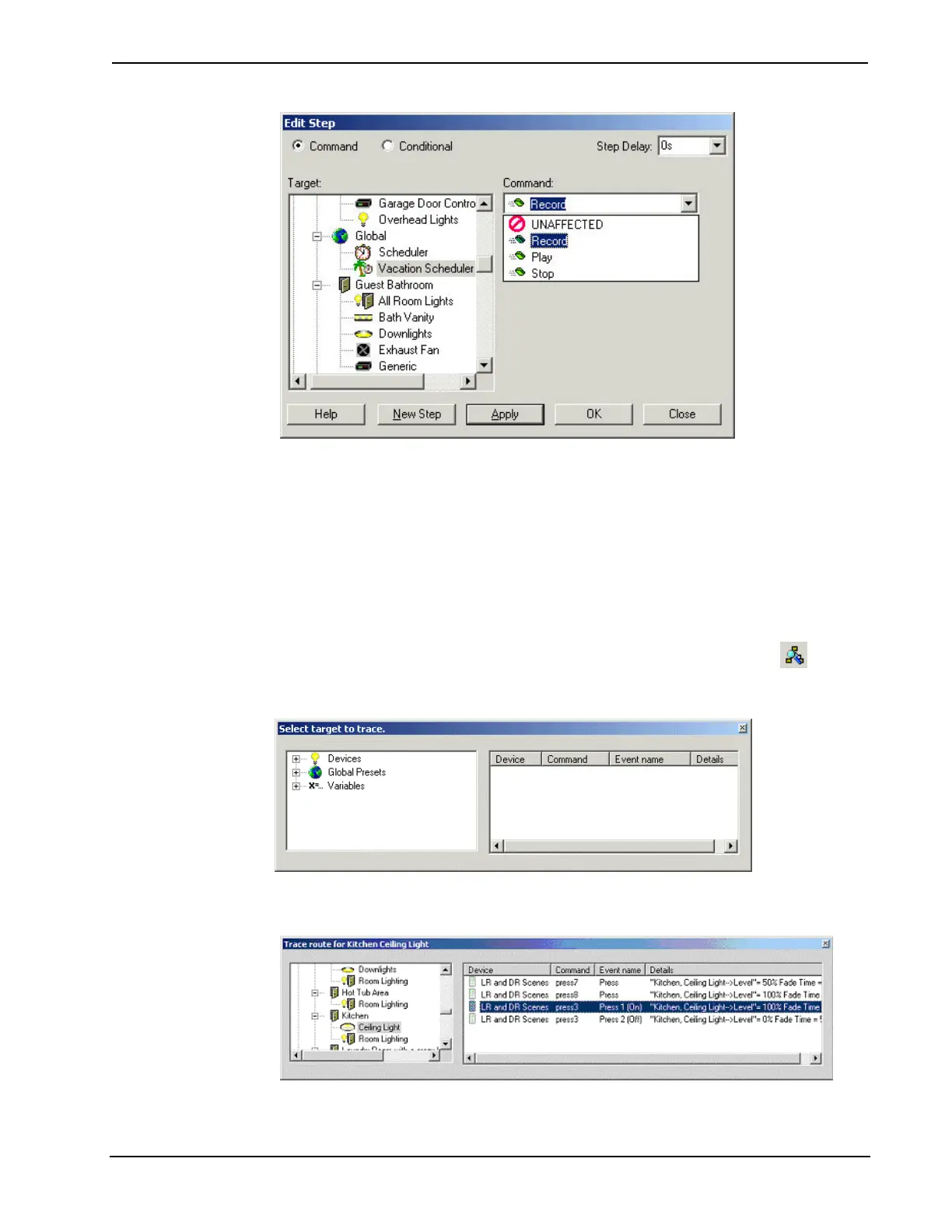
The Trace tool allows you to quickly determine where loads and other controlled
devices in your project are being controlled—that is, where they are programmed.
For example, you can select the Living Room Downlights circuit and immediately
determine which buttons, scheduled events, global presets, etc. are being used to
control this circuit. When a list of the programming sources appears, you can double-
click a source to jump immediately to the appropriate commands in Programming
View.
To activate the Trace tool from any of the system views, click the Trace
button.
This will display a directory of devices, global presets and variables currently defined
in your system.
Select the device, global preset or variable you want trace to display the controls
associated with that component. Then select the programming source.
Double-click the programming source to jump to Programming View.
Reference Guide – DOC. 5998a Crestron D3 Pro™• 83



 To Next Page