Crestron SIMPL Windows Software
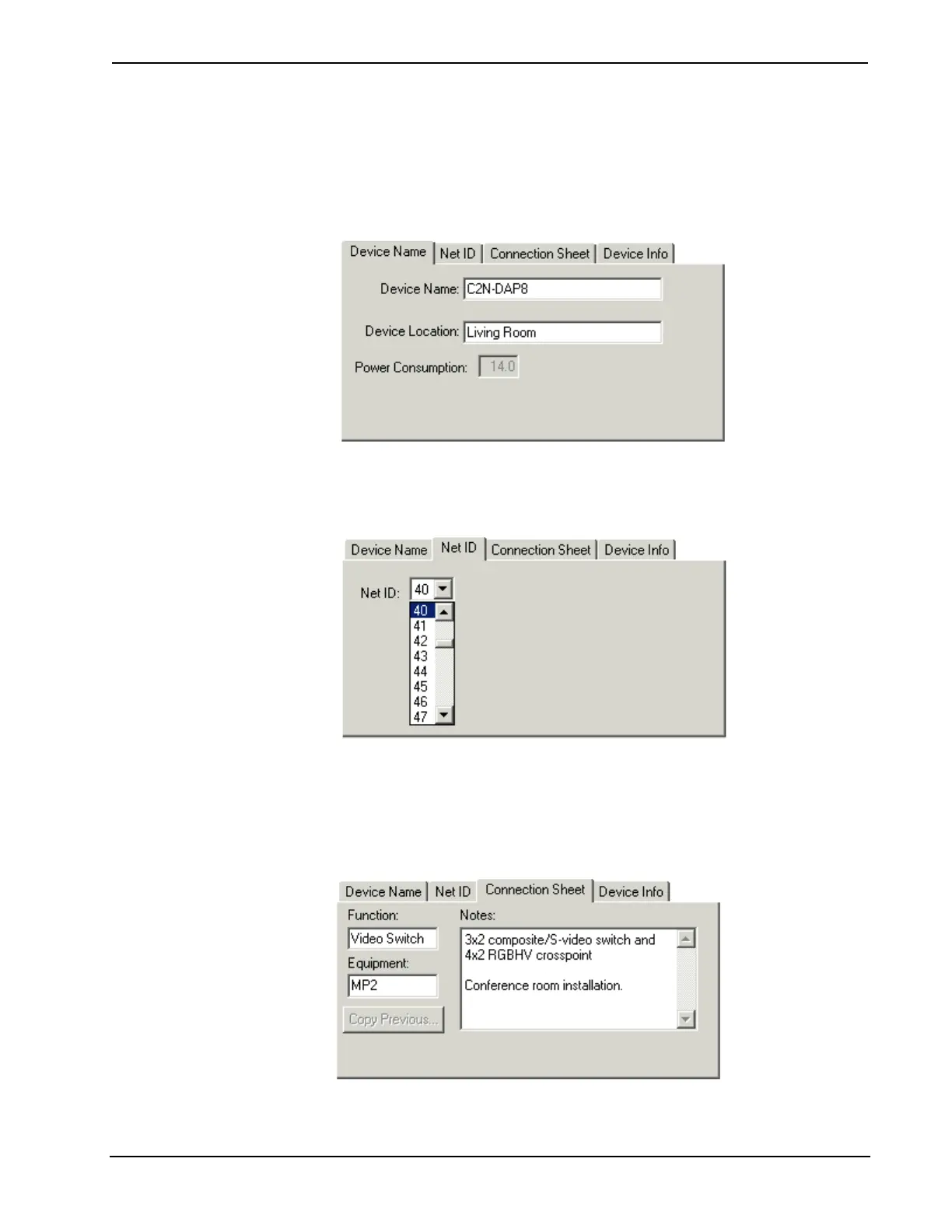
View, as well as in the title bar of the device's symbol. The device name and location
will be included in the Device by Location report. It's a good idea to provide
descriptive names and specific locations for all network devices, as this can aid in
debugging. Devices that draw power from the Cresnet network will also display the
power consumption in watts.
Net ID: You can change the Cresnet ID of the device by selecting from the list.
Connection Sheet: You can use these free text fields to enter information and
program notes about connected equipment, installation requirements, functionality,
and other points you want to document. This information will be included in SIMPL
Windows reports such as the Connection Sheet, Devices by Location, or any User
Report that you generate.
Primer – DOC. 6253 Crestron SIMPL Windows • 31



 To Next Page