Software Crestron SIMPL Windows
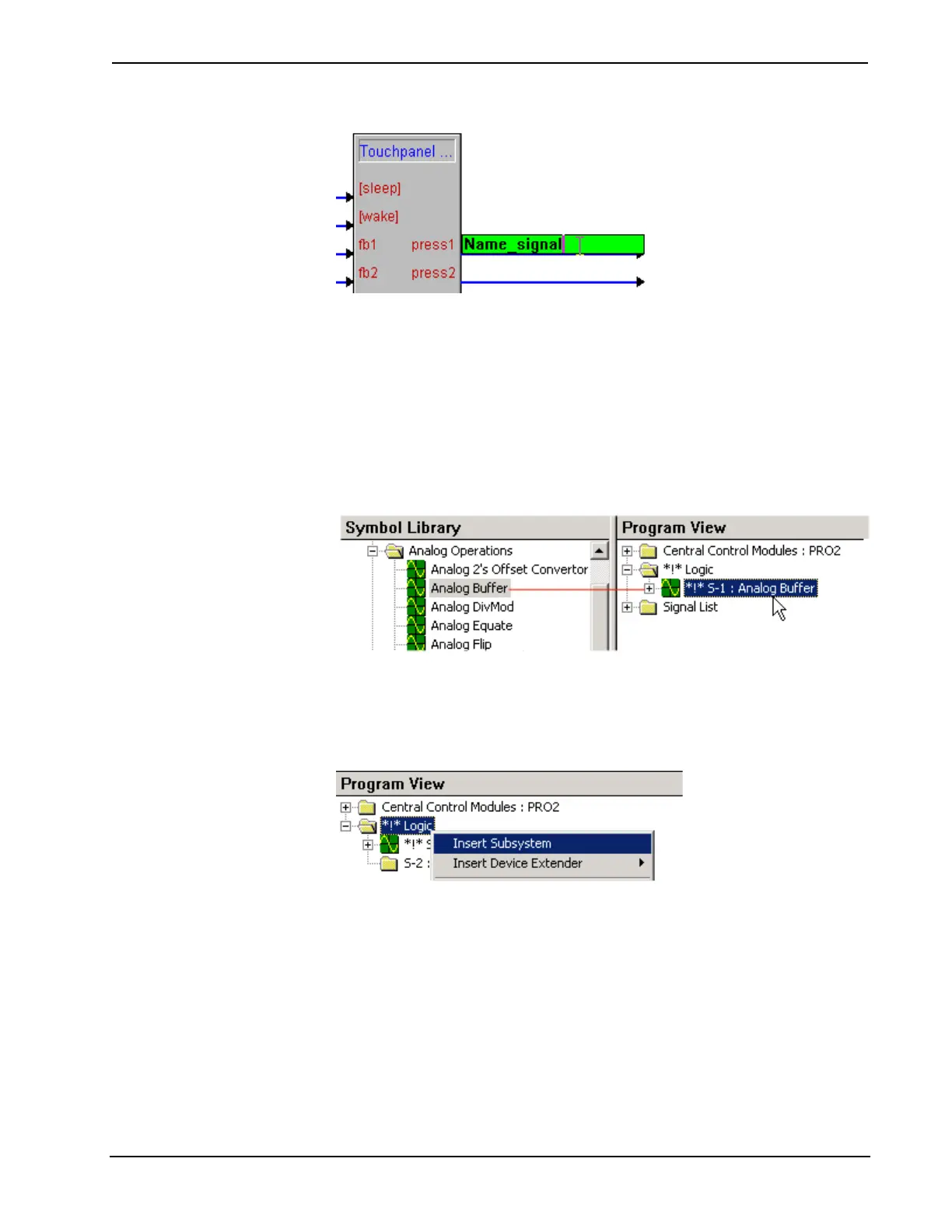
Entering Signal Name
Using Logic Symbols
Programmers will typically use many symbols when programming in SIMPL
Windows. Logic symbols allow programmers independent flexibility by offering
many different ways to solve a control problem. Logic symbols can range from the
very basic ones such as the AND, OR, or NOT symbols, to symbols designed for
very special applications.
You can bring logic symbols into the program by selecting them in the Symbol
Library and dragging them into Program View. Note that if you drop a symbol
directly into Detail View, it will not be placed in the Logic folder.
SIMPL Windows allows you to create Subsystems, which are subfolders within the
Logic folder. In this way you can organize symbols according to logic functions. To
create a subsystem, select the Logic folder and choose Insert Subsystem from the
right mouse menu.
When you create the new folder, you can right-click it to rename the folder to
something meaningful, and you can drag symbols from the Symbol Library directly
into the new folder.
36 • Crestron SIMPL Windows Primer – DOC. 6253



 To Next Page