13
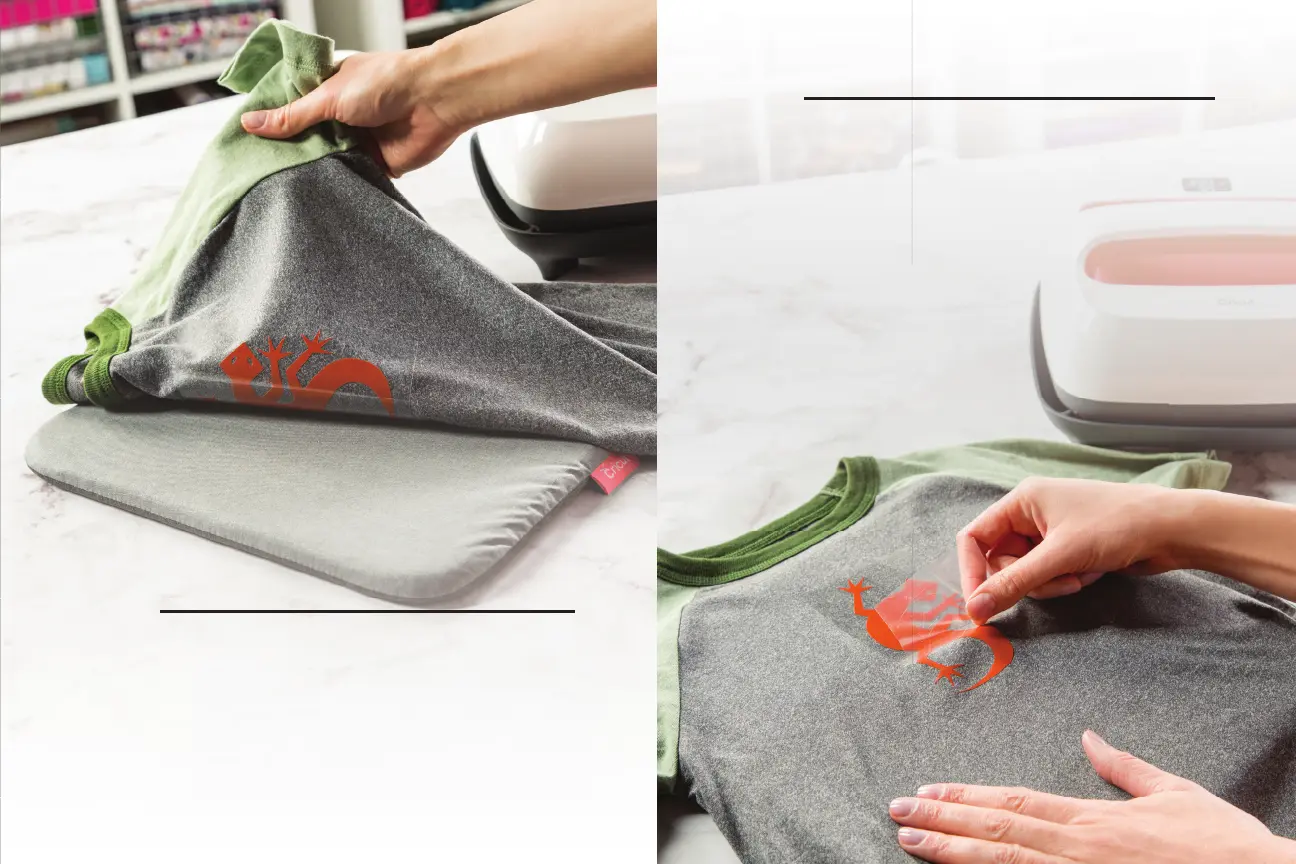
Flip and repeat
Flip the material and apply heat on the back
side of the design for 15 seconds. Pressing both
sides ensures the design sticks wash after wash.
The big fi nish
To see if you should remove the liner when it's
warm or cold, refer to cricut.com/ep-settings. If
the liner does not lift easily, reapply and reheat
for a few more seconds. Woo-hoo, that’s it!
6
5


 To Next Page