9
What the lights mean
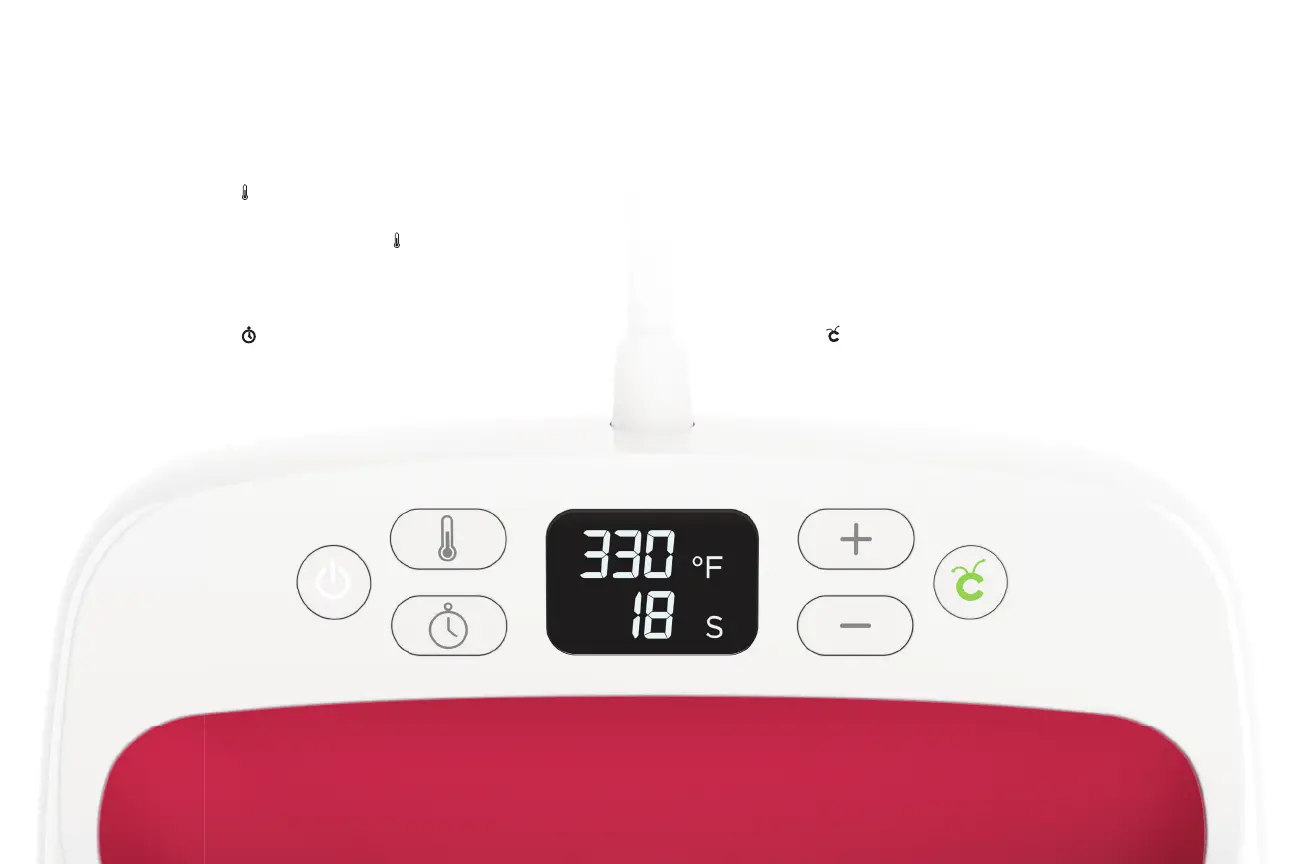
Orange light means it’s heating up.
Green light means temperature has been reached.
Set temperature
Press button, then adjust value with plus (+) and
minus (-) buttons. To switch from Fahrenheit to
Celsius, press and hold the button.
Set time
Press button, then adjust value with plus (+) and
minus (-) buttons.
Start timer
Press the button to start the countdown. A beep
signals time is up.


 To Next Page