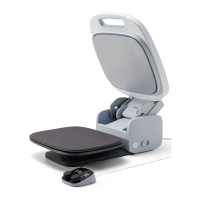
What's Included:
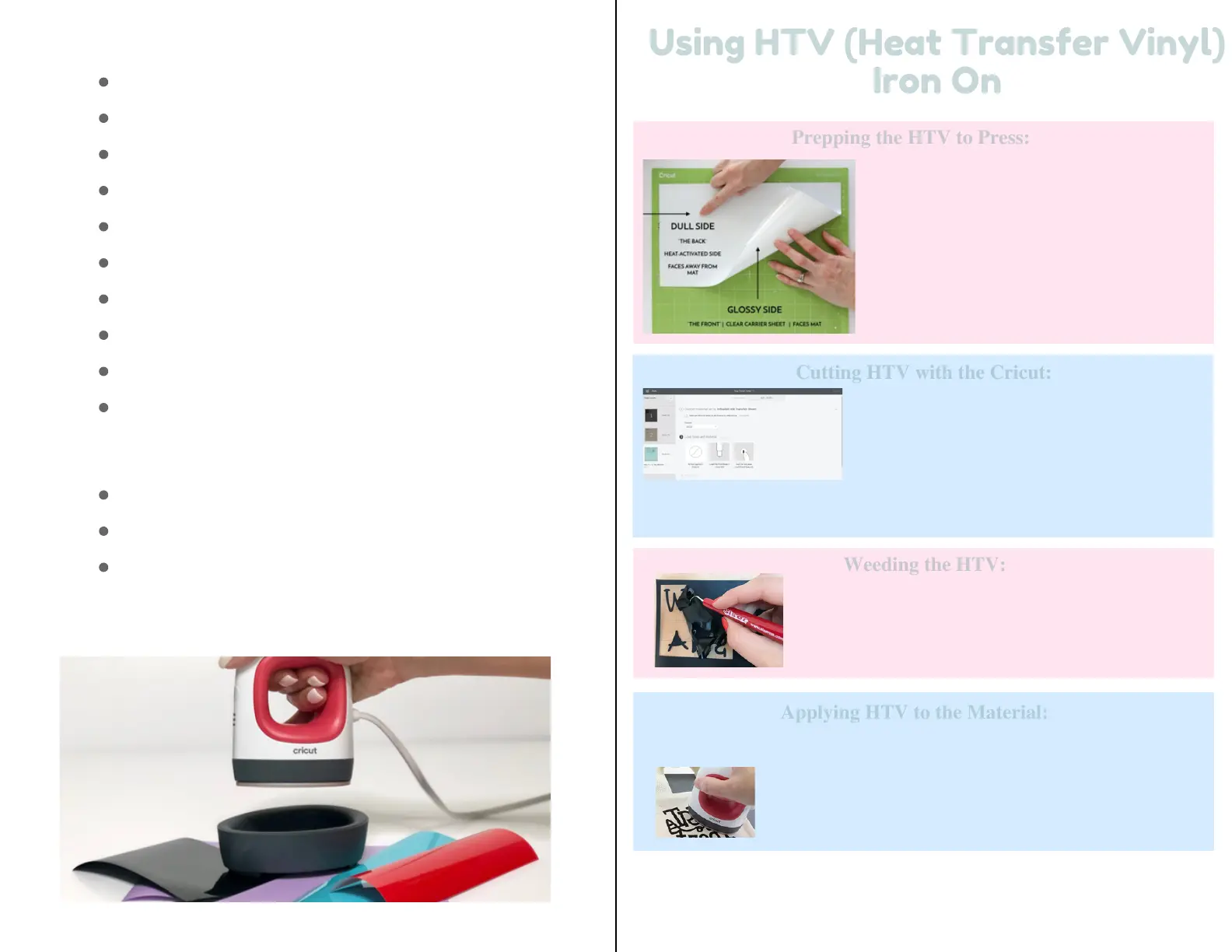
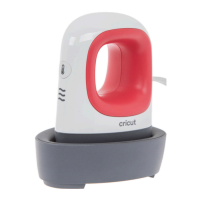
Cricut EasyPress Mini
Zen BlueSafety Base
Scoring stylus
Weeder
Tweezers
Spatula
Scissors
Scraper
Carrying Case
Instructions
1 6
Using HTV (Heat Transfer Vinyl)
Using HTV (Heat Transfer Vinyl)
Iron On
Iron On
Lay the HTV sheet on a mat and press it
down to ensure that it is fully adhered to the
mat. The transfer sheet should be lined up
with top left corner of the mat. Cut the
HTV with any of the Cricut cutting
machines.
Prepping the HTV to Press:
Prepping the HTV to Press:
Cutting HTV with the Cricut:
Cutting HTV with the Cricut:
Save your design and then click on Make It.
Make sure to cut it out in a mirror setting. Click
the toggle so the Mirror setting is on.
Select Iron On as your material in the drop down settings and make sure
your fine point blade is nice and sharp!
Weeding the HTV:
Weeding the HTV:
Weed out the words, images and edges. There
should be a bottom layer of plastic that sticks out
of both sides.
Applying HTV to the Material:
Applying HTV to the Material:
Once the images are weeded, it’s time to apply them on to the items!
Center the image, then press it down really well. The plastic
backing is sticky so it will stick to the item.
Can Be Used With:
Cricut Iron On Designs
Iron On Patches
Iron On Transfers


 To Next Page