5
2
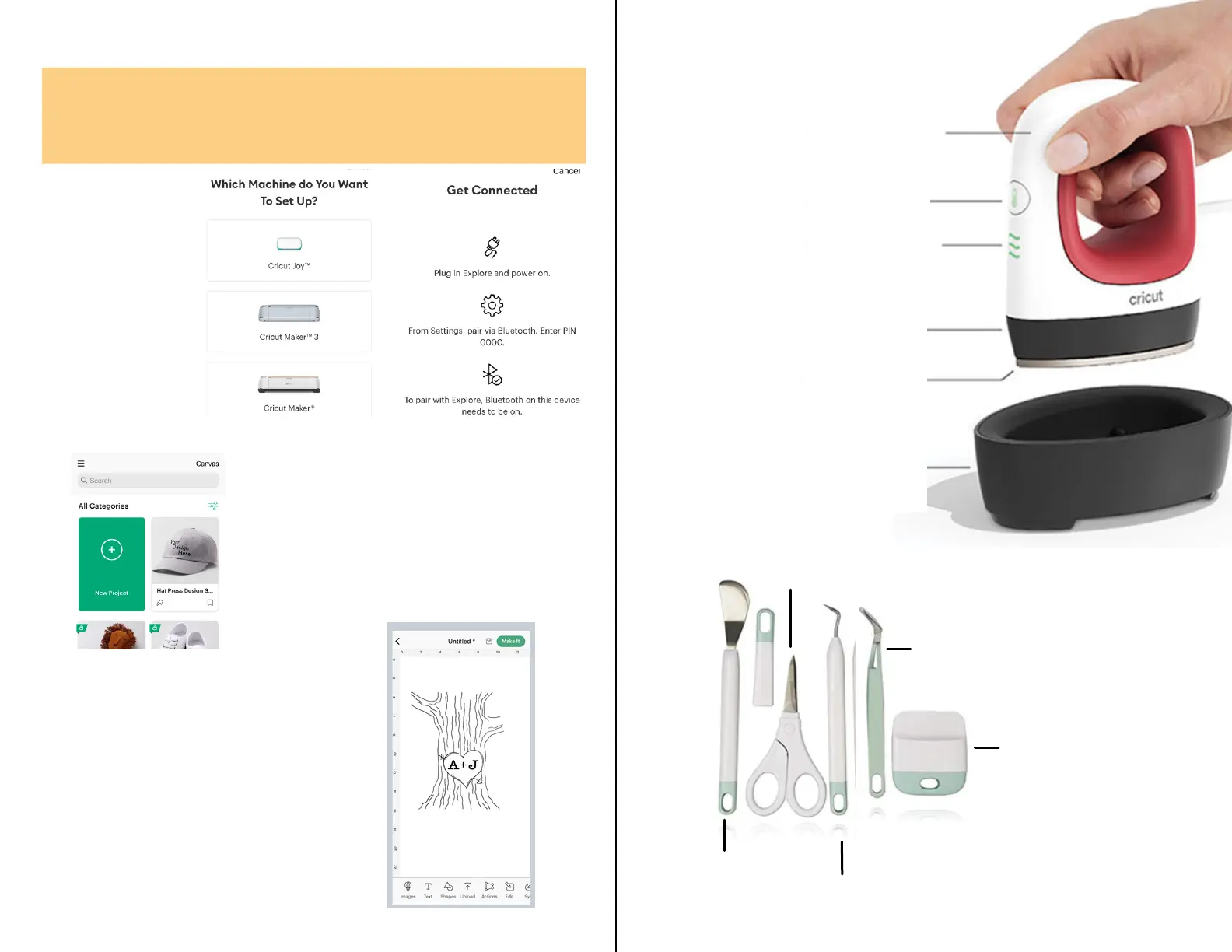
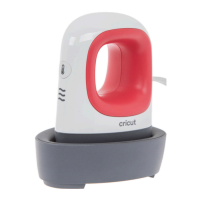
Handle
On/Off Button
3 Easy Heat Settings
Dry, Even Heat
Precision Tip
Safety Base
(Low, Medium, High)
Scraper
Spatula
Weeder
Tweezers
Scissors
Cricut Design Space App
Go to the App Store and download the Cricut
Design Space App
Once downloaded, create or sign into your Cricut
account.
Once signed in,
You have to
connect the Cricut.
Plug in the machine
and follow the
instructions to
connect.
Once connected, you can
browse through projects or
create your own by selecting
New Project.
Design Space is a grid that
matches your mat. It will
look like this.
Once here, you can add any
images or text that you
would like to design with the
Cricut.


 To Next Page