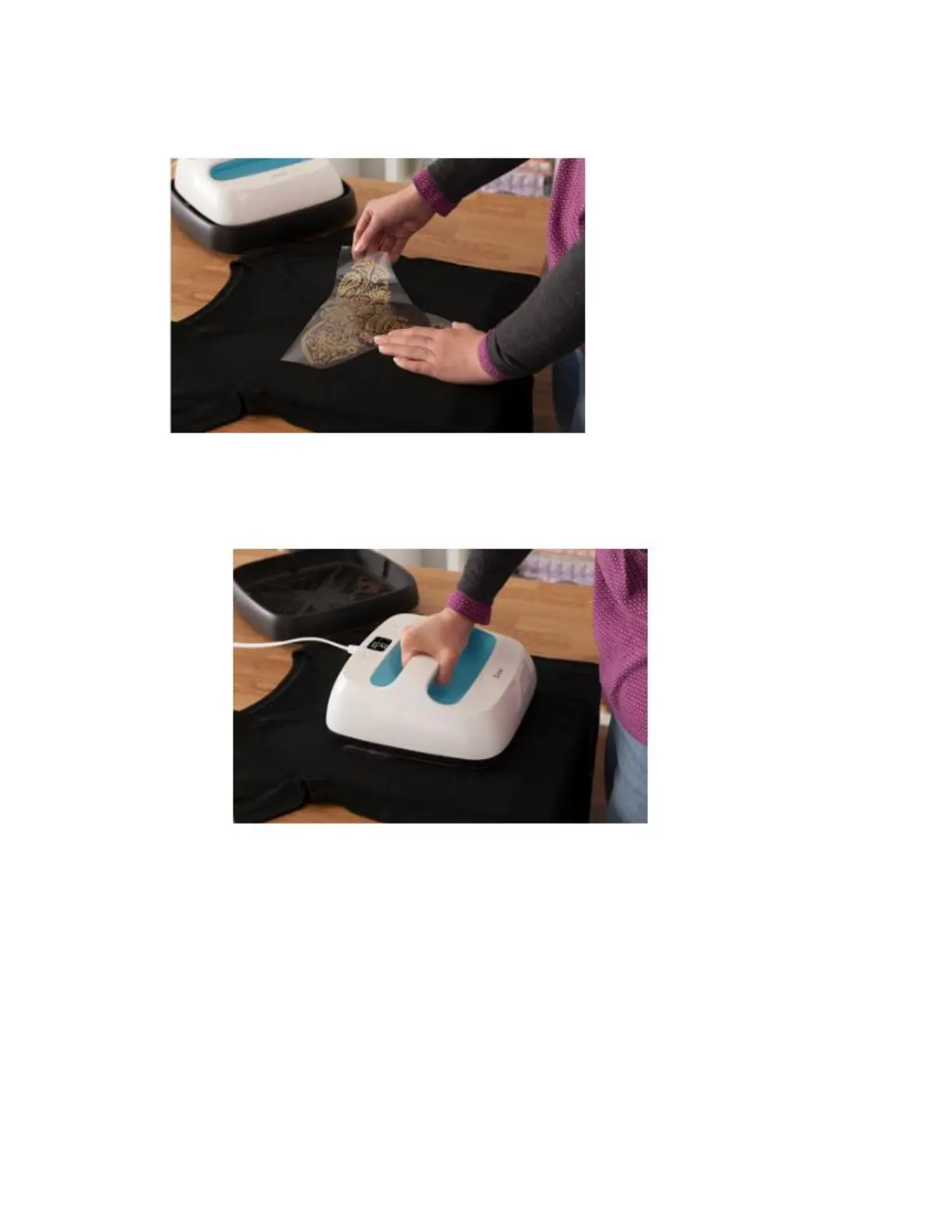
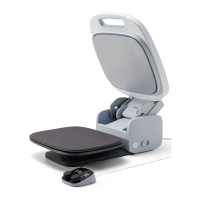
4. Position design. Make sure shiny side (clear carrier sheet) is facing up.
5. Apply heat to both sides.
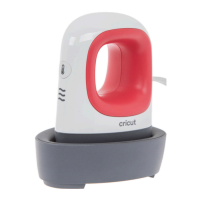
o Place Cricut EasyPress on base material, then press Go button to start timer.
o Hold Cricut EasyPress in place and apply recommended pressure.
o Flip base material, and heat back side of design for recommended time.


 To Next Page