7 4
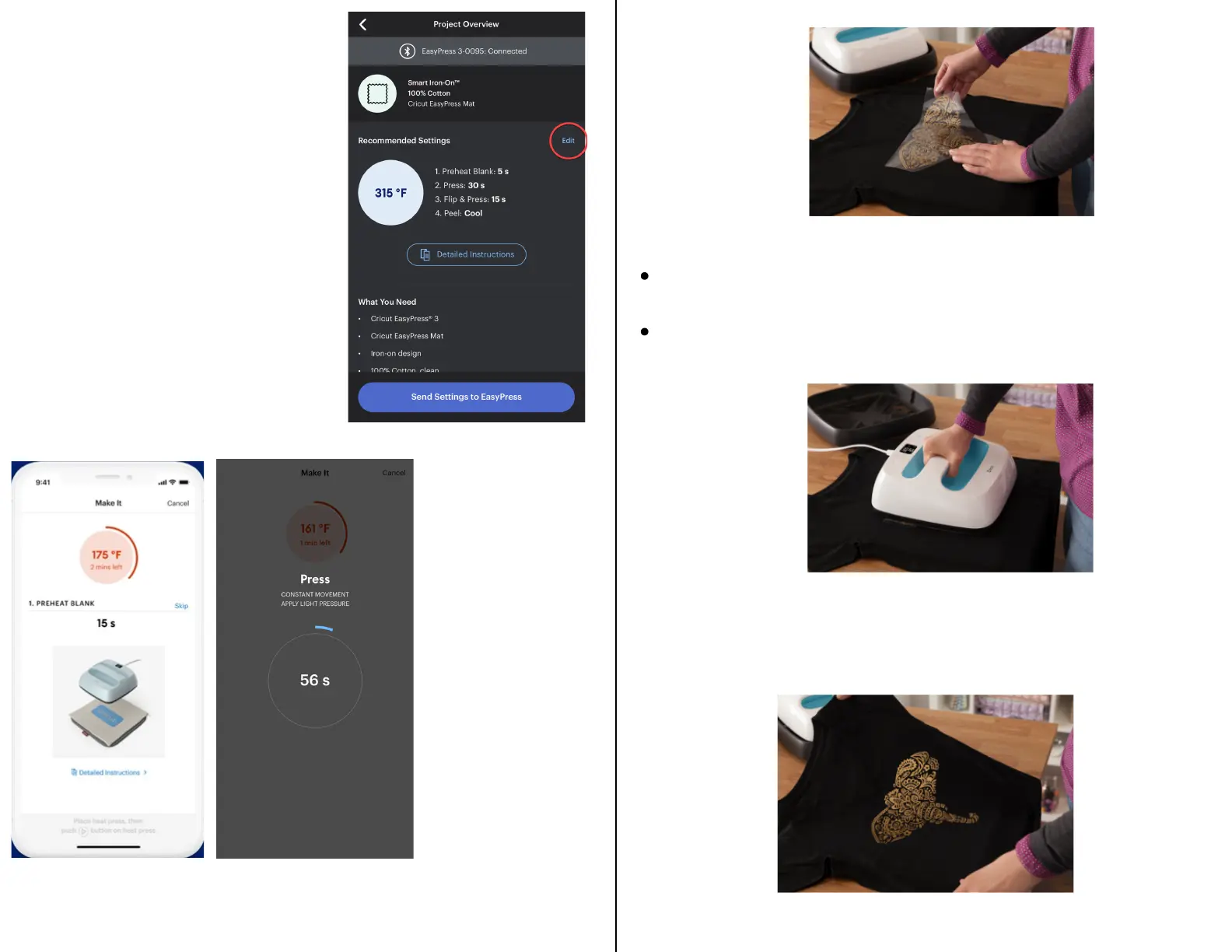
5.) Apply Heat.
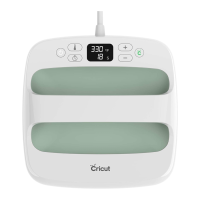
Place Cricut EasyPress on base material, then press Go
button to start timer.
Hold Cricut EasyPress in place and apply
recommended pressure.
6.) Before removing carrier sheet, refer to the
Cricut Heat Guide or Cricut Heat App for peel
temperature instructions.
Once all selections
have been made,
select Send Settings
to EasyPress and
follow the on-screen
prompts to finish
the project!
The timer will
start and you
will use the
press to put the
image on your
item!


 To Previous Page