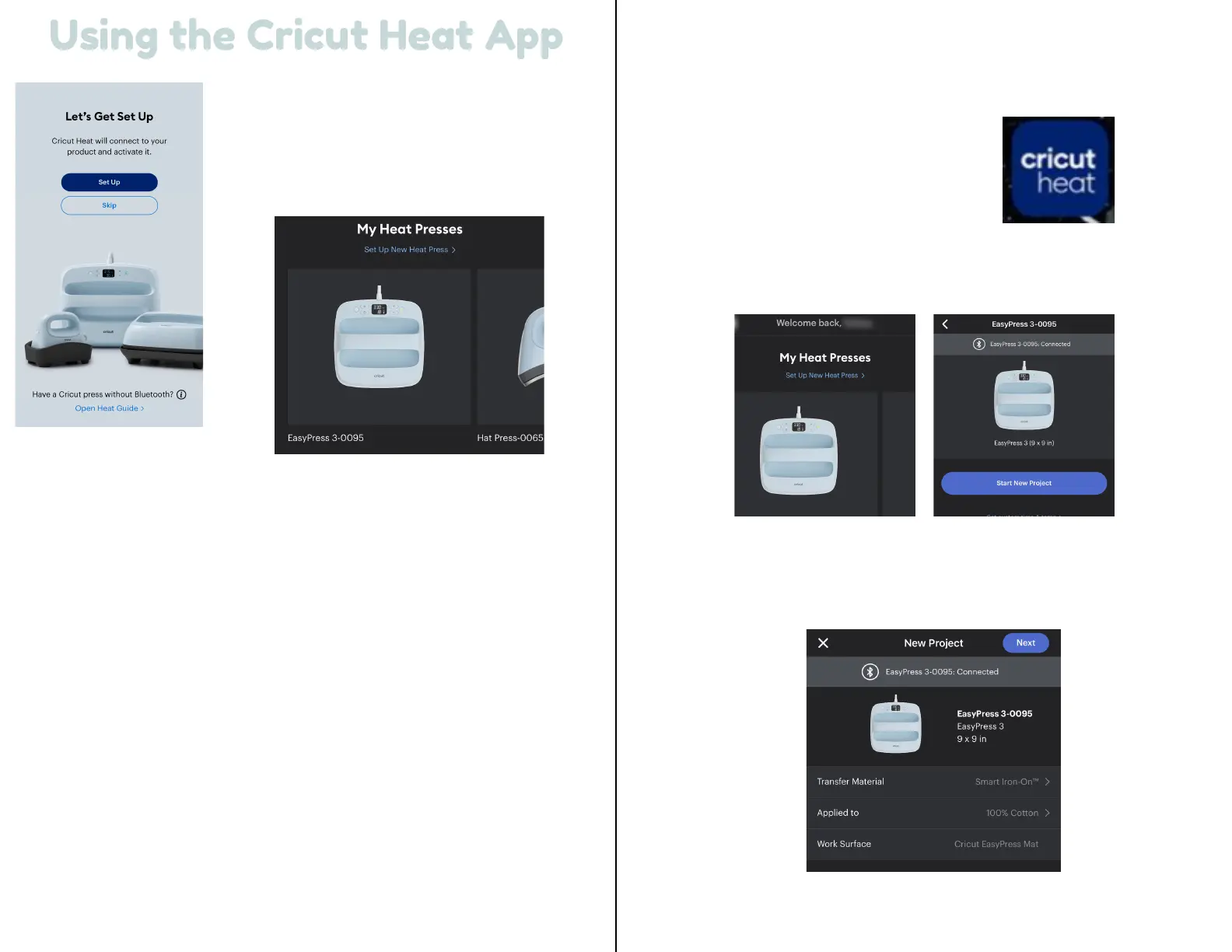
Open the Cricut Heat app.
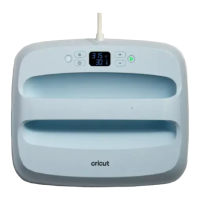
Under My Heat Presses, select Cricut
EasyPress 3, and select Start New Project.
Select your transfer material and the base
material to which you will apply it, then select
Next.
5 6
Using the Cricut Heat App
Using the Cricut Heat App
Once signed in with your Cricut
account, you will need to set up
the press.
Select the set up option to begin activating the device. Select the unit
from the list of available Heat Presses, and tap Connect.
The Cricut Heat app will show ‘Connecting to Easy Press 3’ with the
Bluetooth logo.
The app will ask to confirm the activation of Cricut EasyPress 3. Select
the box to accept Cricut Terms of Use and Privacy Policy and tap
Activate.
Cricut Heat will show a status bar as it is activating Cricut EasyPress 3.
When complete, you will see a Success! message indicating the press is
set up and ready to use! Cricut EasyPress 3 will begin to heat up and
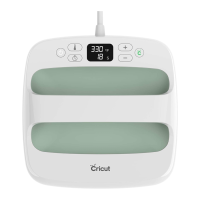
can be used with Cricut Heat app or on its own.
Send recommended time & temp
settings to Cricut EasyPress 3


 To Next Page