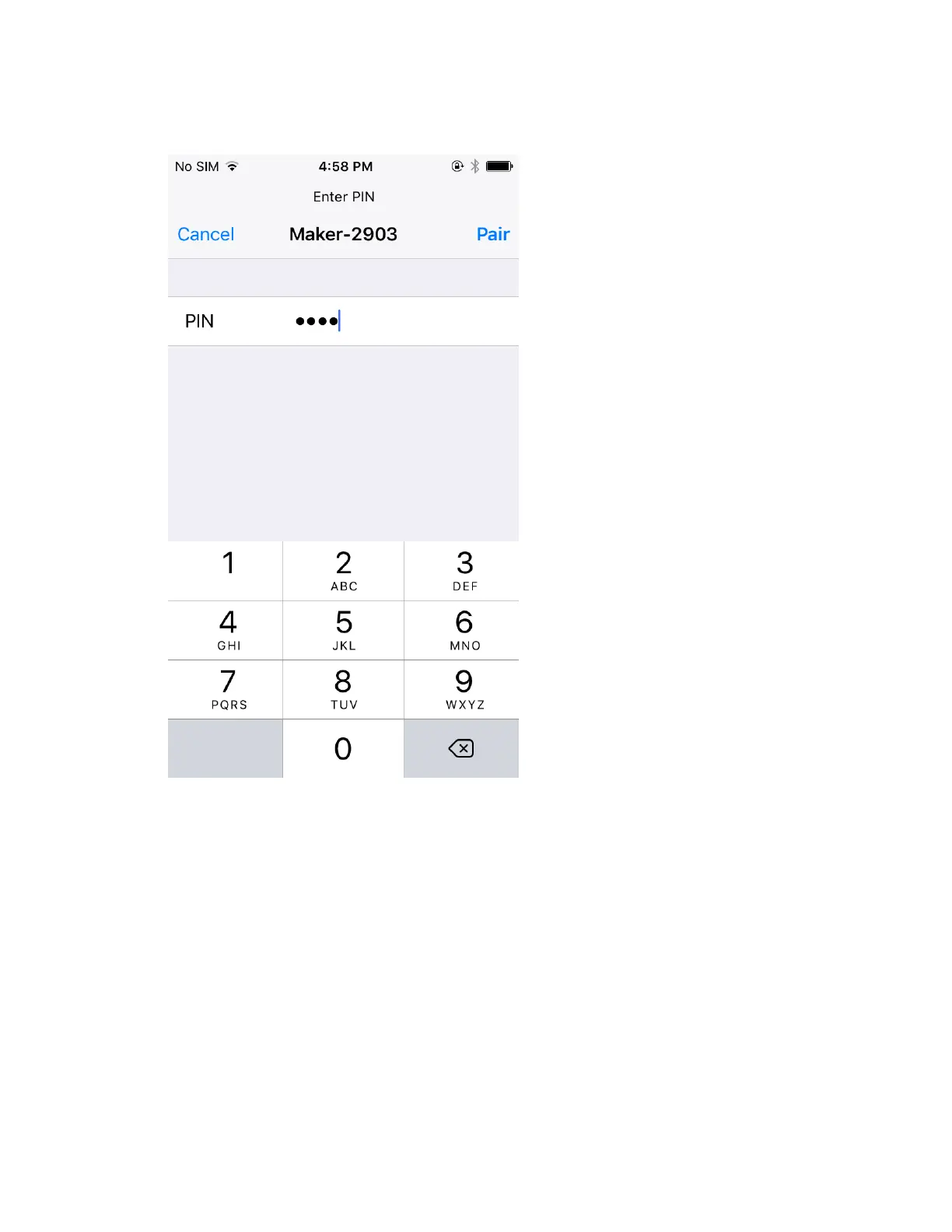
8. When prompted, type PIN 0000, then tap Pair.
9. Pairing is now complete.
Tip: It is normal for Cricut Maker or Cricut Explore machines to show up as Audio in the list. If
you have multiple Cricut machines, you can identify the one you want to pair using its device
code. This can be found on the bottom of the machine on the serial number tag.















 To Next Page