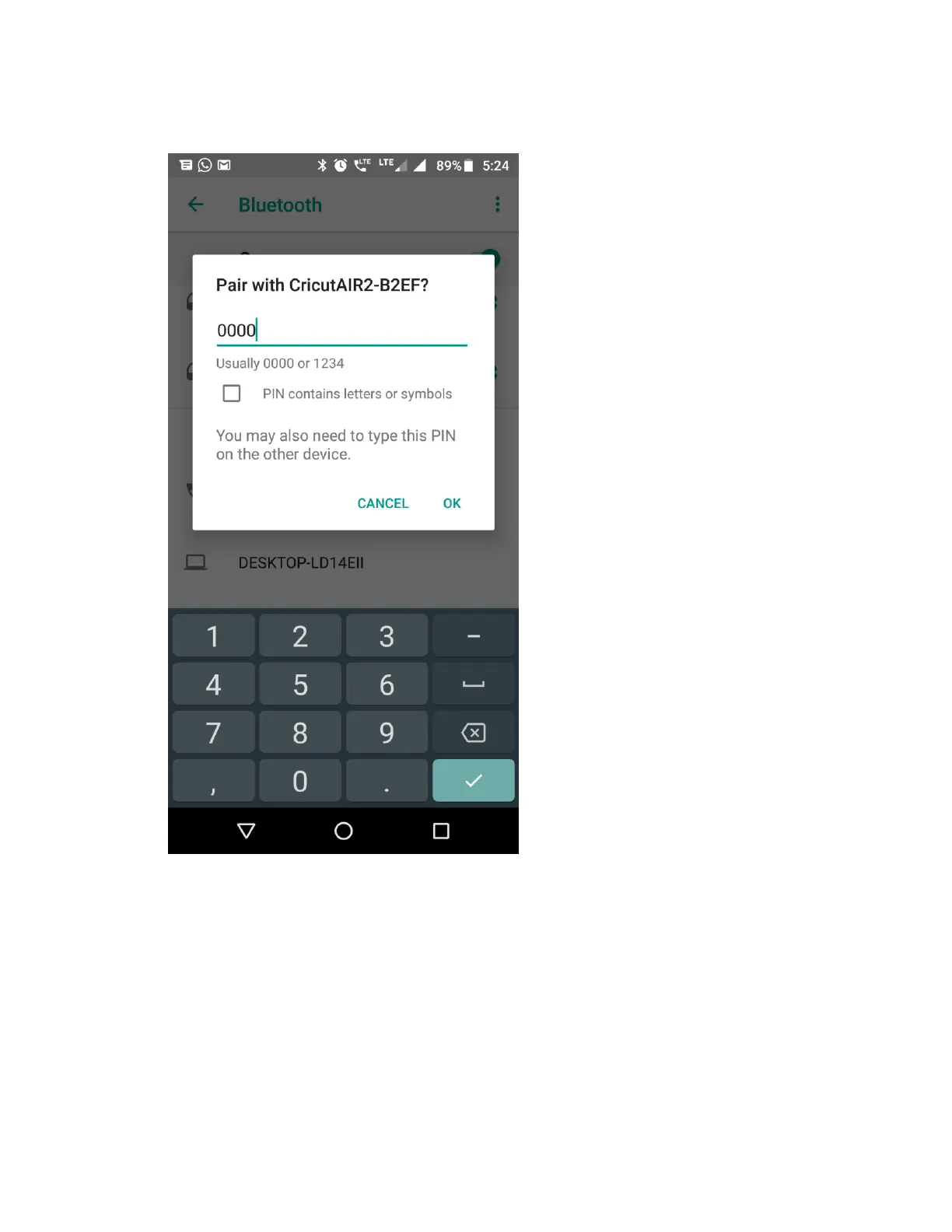
5. When prompted, type PIN 0000, then select OK.
6. Pairing is now complete.
Note: The menu navigation may vary based on your Android device's manufacturer and Android
version. Please refer to your Android device manual for more help or contact our Member Care
team through one of the options below.
Tip: It is normal for Cricut Maker or Cricut Explore machines to show up as Audio in the list. If
you have multiple Cricut machines, you can identify the one you want to pair using its device
code. This can be found on the bottom of the machine on the serial number tag.















 To Next Page