Note: The steps and screenshots are applicable only for Windows 10. If you have a different
Windows OS and need help, please contact Member Care using one of the options below.
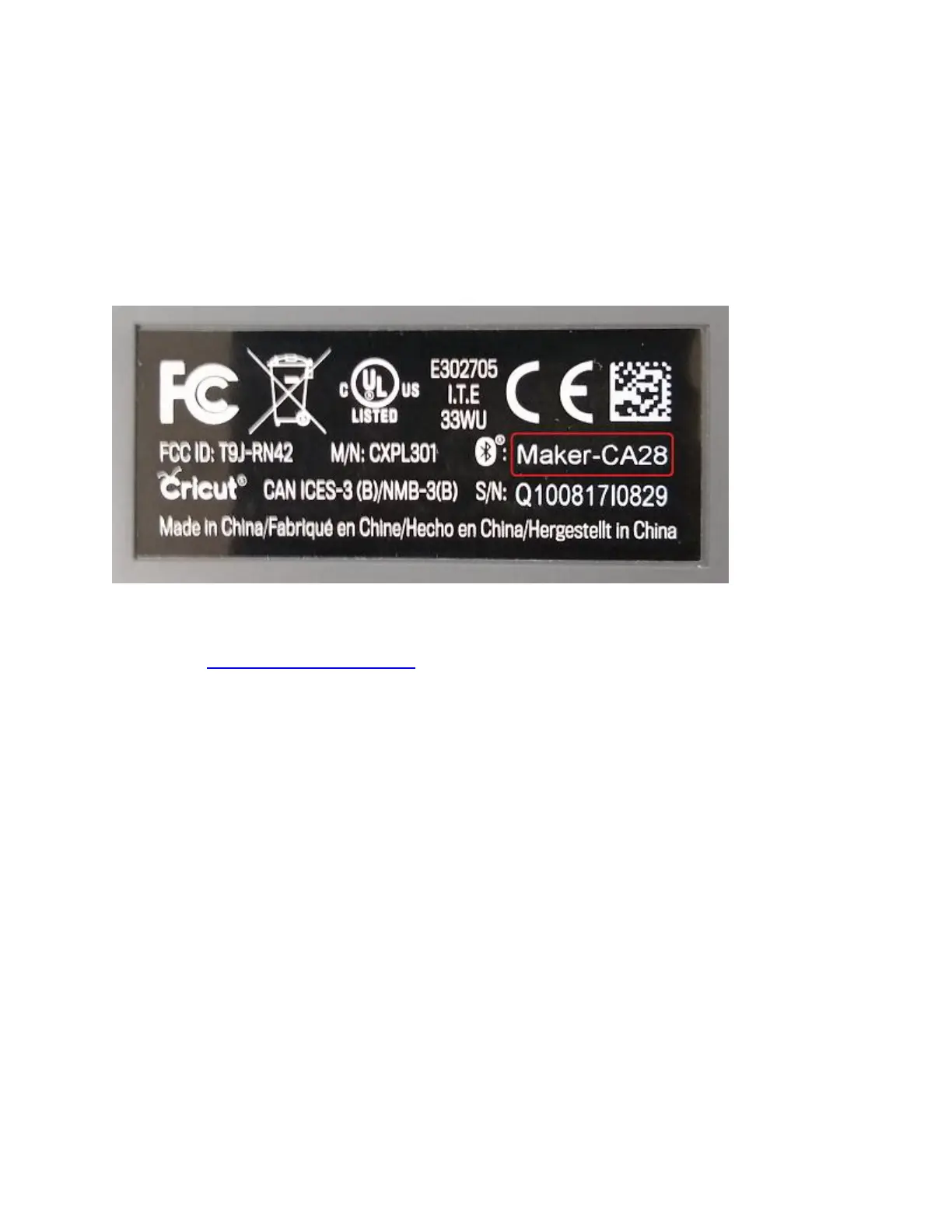
Tip: It is normal for Cricut Maker or Cricut Explore machines to show up as Audio in the list. If
you have multiple Cricut machines, you can identify the one you want to pair using its device
code. This can be found on the bottom of the machine on the serial number tag.
1. Ensure your Cricut Explore or Cricut Maker machine is powered on and within 10-15
feet of your computer. If you have a Cricut Explore or Cricut Explore One, ensure that
your Wireless Bluetooth Adapter is inserted.
2. Most computers are Bluetooth® enabled. However, to determine whether your Mac is
Bluetooth enabled, open Apple Menu > System Preferences and look for the
Bluetooth® option.















 To Next Page