1. Ensure your Cricut Explore or Cricut Maker machine is powered on and within 10-15 feet of your
computer. If you have a Cricut Explore or Cricut Explore One, ensure that your Wireless
Bluetooth Adapter is inserted.
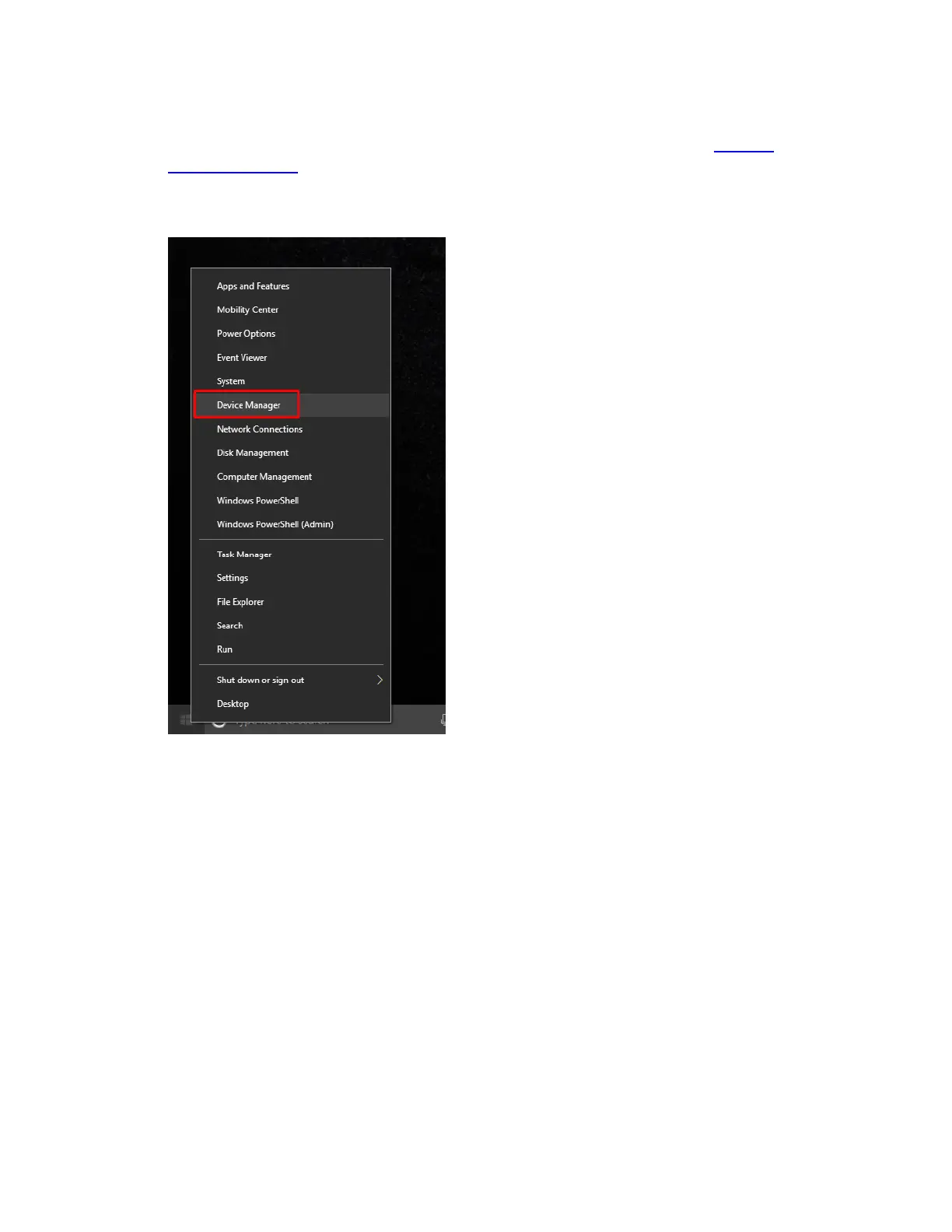
2. Most computers are Bluetooth enabled. However, to determine whether your computer is
Bluetooth enabled, right click on the Start button and select Device Manager.
3. If Bluetooth is listed, your computer is Bluetooth enabled. If not, you will need to purchase a
USB device called a Bluetooth Dongle to enable your computer to talk to other
Bluetooth devices.















 To Next Page