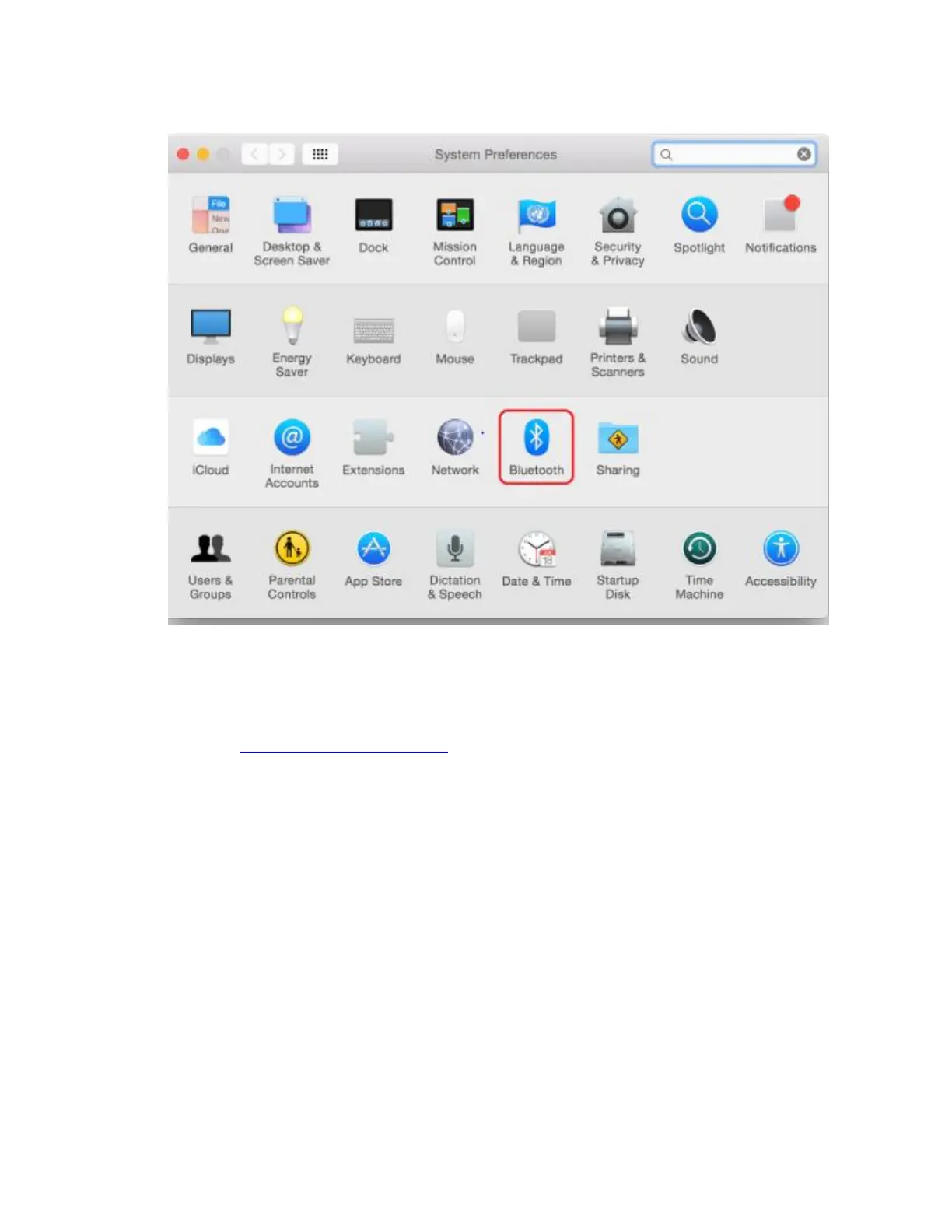
3. Open the Bluetooth® window. If Bluetooth is off, click the button to turn it on. Select
your adapter/Bluetooth module name from the list.
4. Ensure your Cricut Explore or Cricut Maker machine is powered on and within 10-15
feet of your mobile device. If you have a Cricut Explore or Cricut Explore One, ensure
that your Wireless Bluetooth Adapter is inserted.















 To Next Page