- 19 -
Problem solving
Irregular display
Remove the batteries and reinsert them.
No speed or distance measurement
Please ensure that the magnet and the sensor are in
the correct position (max. 2 mm distance).
Display black
The unit was exposed to excessive heat or direct
sunlight.
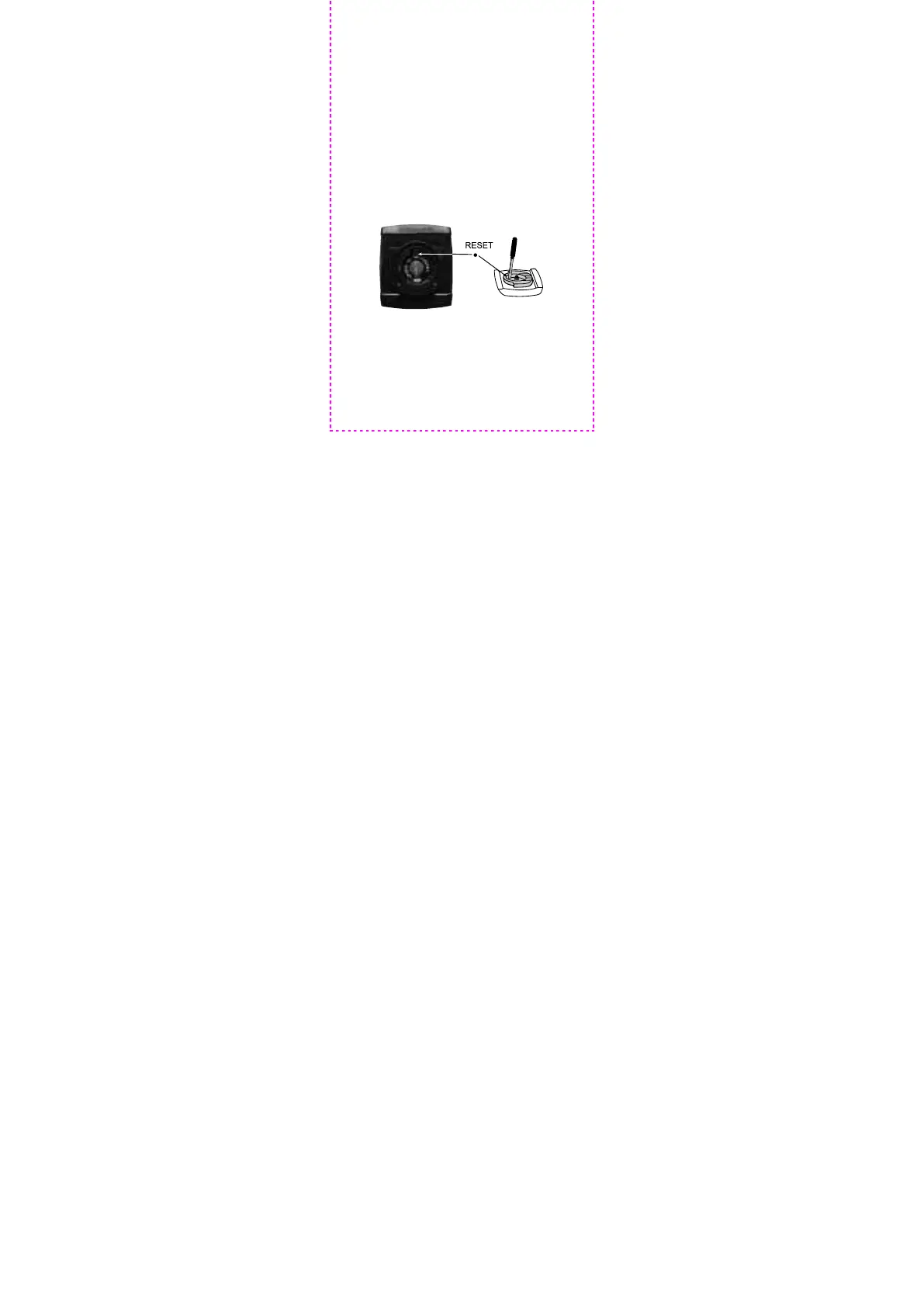
Display inactive after inserting the batteries
Open the battery compartment and remove the
battery. Use a screwdriver to press the RESET-area
as shown in the illustration. Reinsert the battery.



 To Next Page