- 5 -
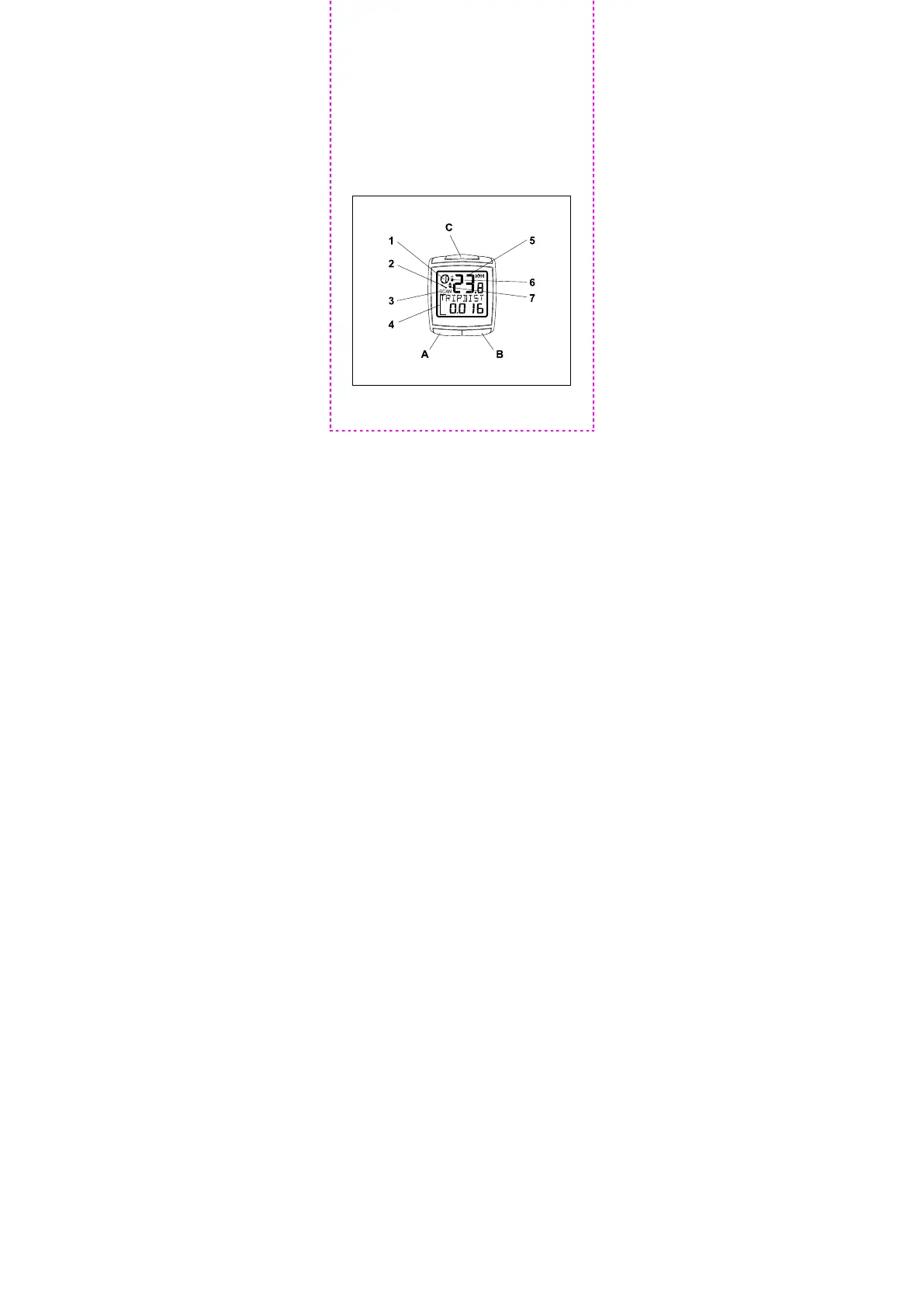
Display description and function
buttons
1. Selected bicycle (1 or 2)
Speed tendency: acceleration (turning to the
right) or slowing down (turning to the left)
Service interval reached
2. Scan (alternating display)
3. Subfeature display
4. Main feature display
5. Battery low indicator
6. Speed comparison: faster or slower than average
speed
A, B, C Function buttons



 To Next Page