Operation Instructions
12 / 55
4.5Unboxing, fixing and installing
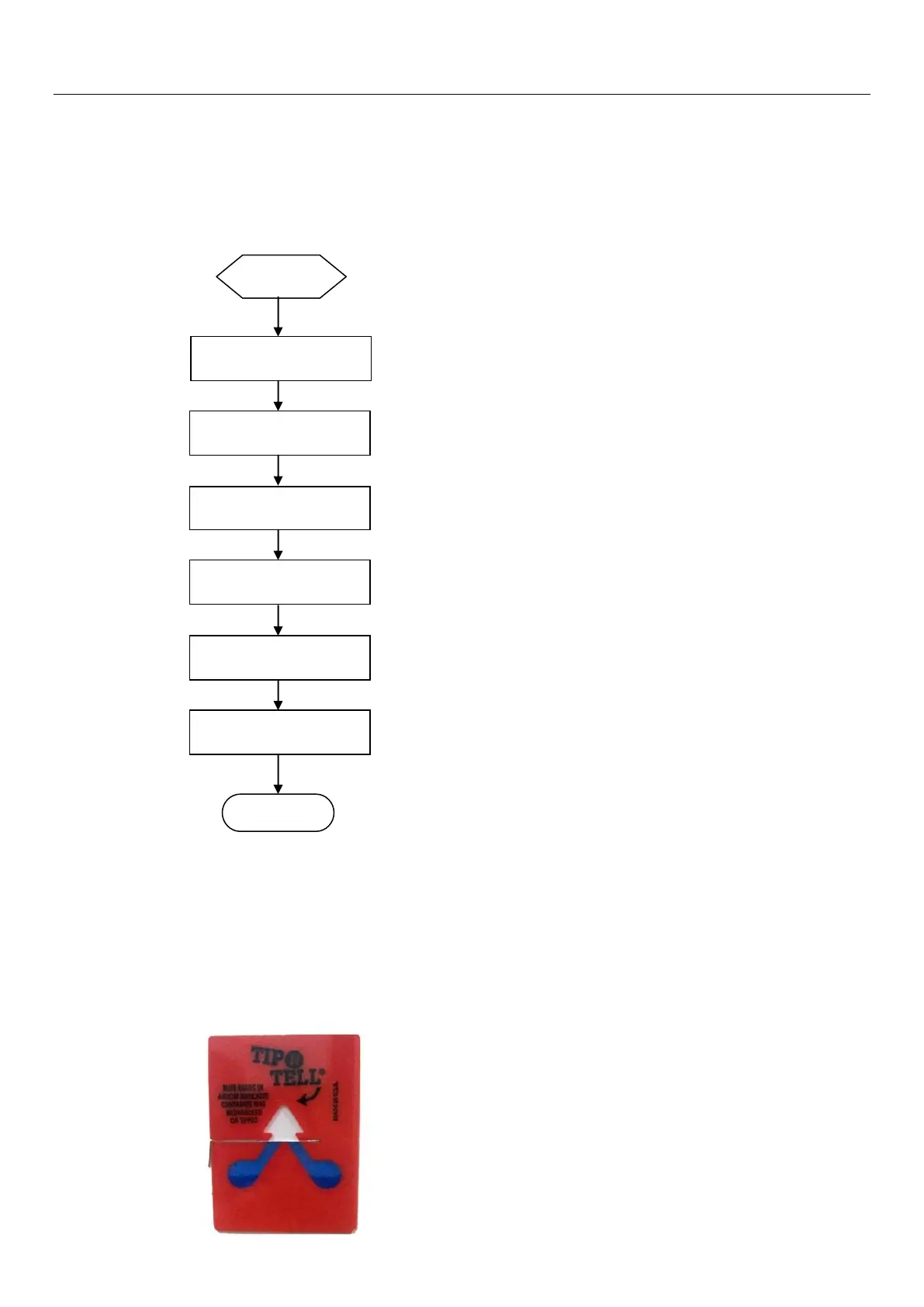
4.5.1 High-precision Digital flexo Imager unboxing flow chart:
4.5.2Unboxing preparation
First of all, check the crate box is intact, tilt indicator whether has any toner presence of overflow
beyond the guide line. Ifproblems are found, they should be documented and feedback to CRON
immediately.
Picture 4-2: Tilt indicator


 To Next Page