Operation Instructions
16 / 55
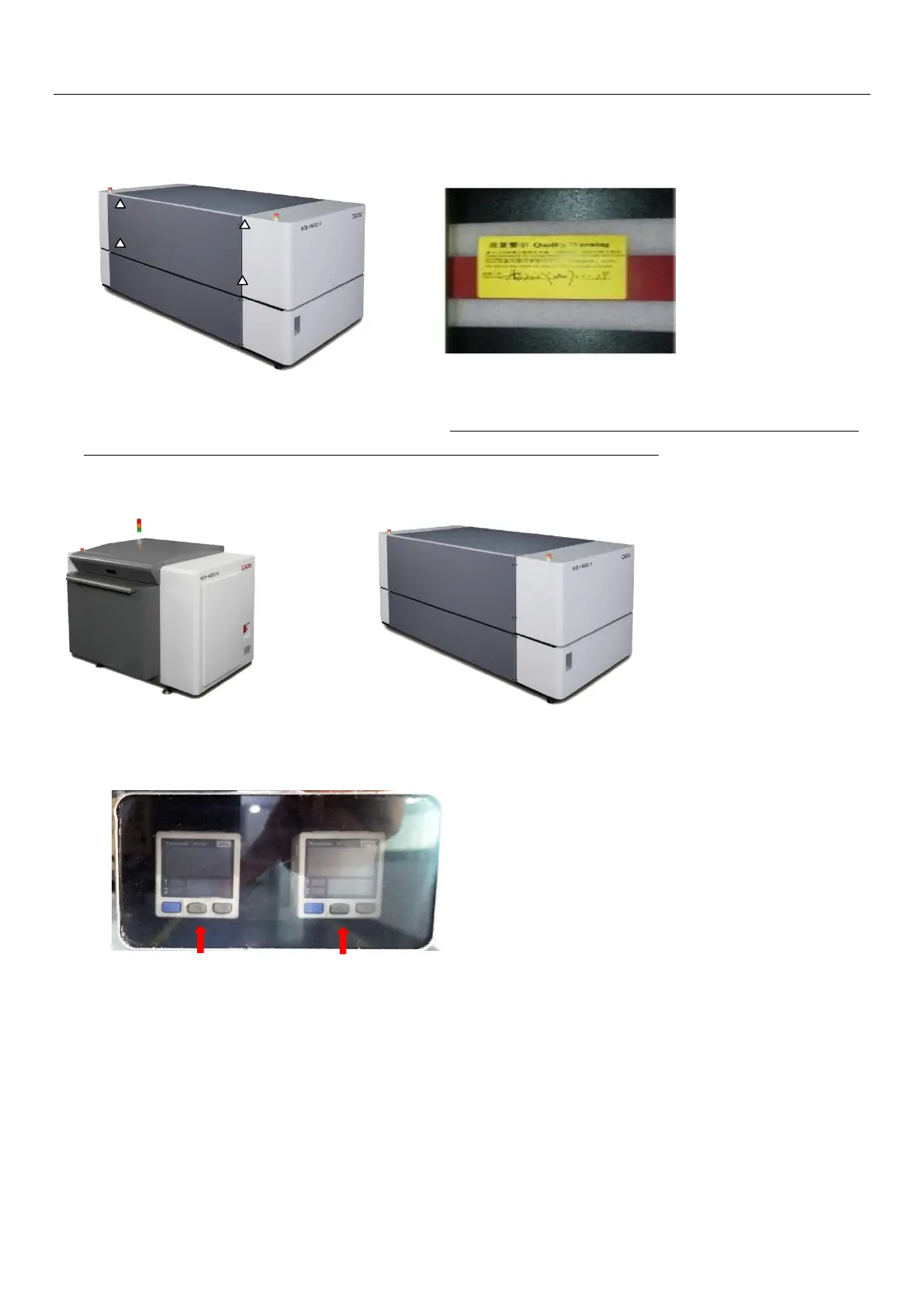
b-1)HDI-1600 ** Model’s scanning platform fixation bracket is located inside the device. After
removing the upper cover of the device, you can notice the scanning platform unit.
c) Use a hex wrench to remove the fixing screws of the "Scanning Platform Fixation Bracket" of the
device and pay special attention when removal; Handle with care and avoid scratches to the Encoder
Strip(gold color) that attached at the side of the panel along the guide rail.
4.5.11Putting back device covers
4.5.12Pressure window: through the pressure window, you can obtain current dedustingvacuum
pressure value, drum vacuum pressure value and the pressure sensor output status;
Dedusting vacuum Drum vacuum


 To Next Page