English
6
Initial Setup
Essential Setup
1. Place the unit on a flat and level surface. The selected location should be
stable and free from vibration.
2. Plug the power cord to the power outlet.
Note:
If using the AC power, make sure that the Power Switch is turned on.
Aux Input Connection
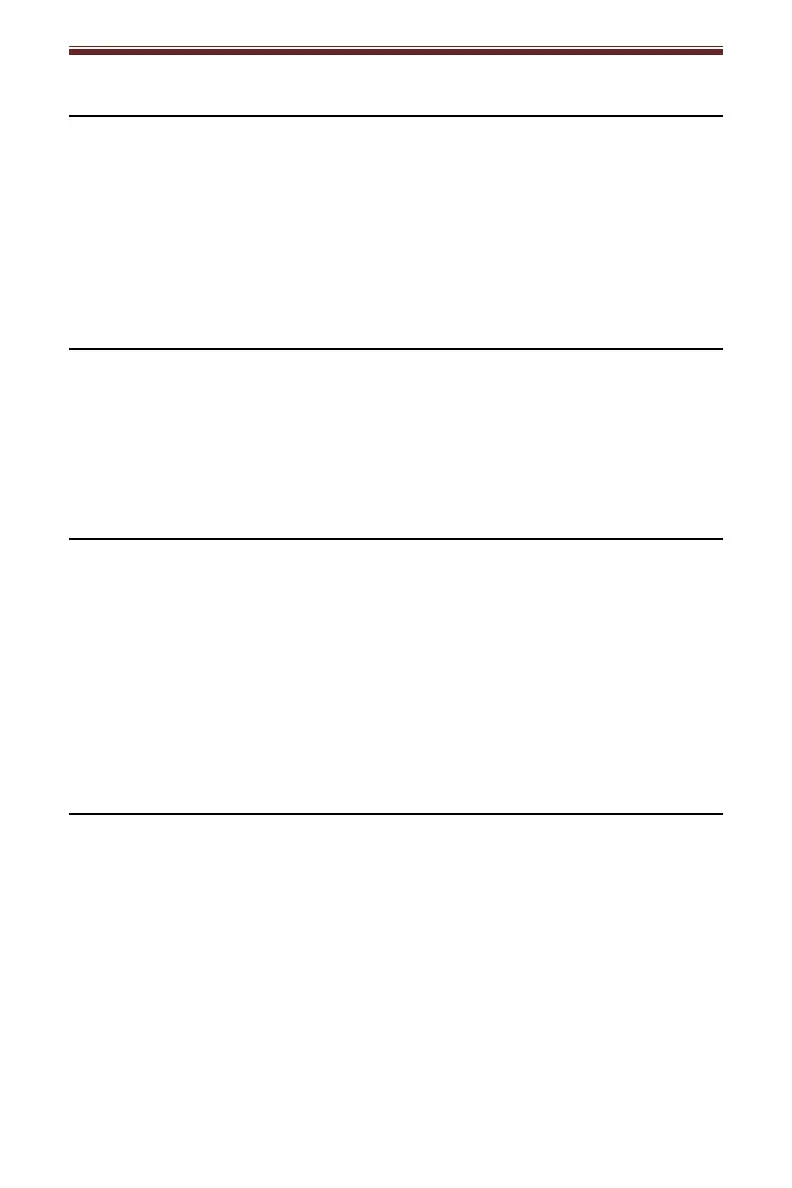
You can connect an audio device to this unit and play your music through its
speakers. To do this, connect the 3.5mm auxiliary cable between your audio
device and the Aux In Jack of this unit, set the Function Switch to AUX, and start
playing the music.
Radio Operation
1. Set the Function Switch to RADIO position
2. Set the Band Switch to FM or AM position.
3. Rotate the Tuning Knob for desired radio station.
4. To turn off the unit, set the Function Switch to the TAPE/OFF position and
make sure none of the cassette button are pressed in.
Note:
When operating FM band radio, pull up the TELESCOPIC ANTENNA, and adjust
position to get better reception.
Cassette Operation
1. Set the Function Switch to TAPE position.
2. Insert the prerecorded cassette into the cassette tray, and press the Play
button.
3. To fast forward, press the Fast Forward button in. To stop fast forwarding and
return to the playback mode, press the Play button.
4. To rewind, press the Rewind button in. To stop rewinding and return to the
playback mode, press the Play button.
5. To stop the playback, press the Stop/Eject button once. To eject the cassette,
press the Stop/Eject button again.
6. To turn off the unit, set the Function Switch to the TAPE/OFF position and
make sure none of the cassette button are pressed in.
Note: Remove the cassette from the cassette holder when it is not in use.


 To Next Page