English
8
3. To pause recoding, press the Pause button.
4. To stop recording, press the Stop/Eject button.
BT to TAPE
1. Set the Function Switch to BT/USB/SD position
2. Insert a cassette tape, and press the RECORD button to record the sounds
from the Bluetooth.
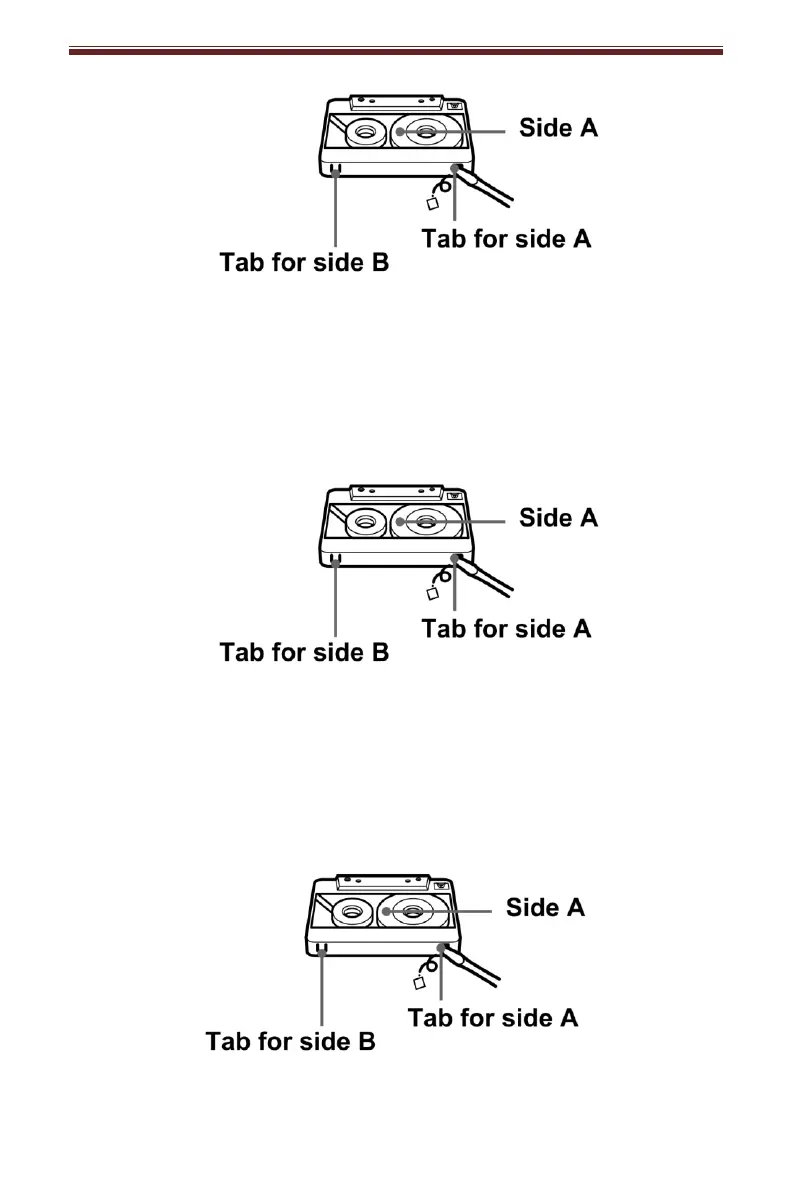
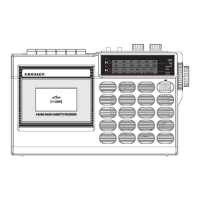
Note: To prevent accidental recording, break off the cassette tab from side A or B.
3. To pause recoding, press the Pause button.
4. To stop recording, press the Stop/Eject button.
AUX to TAPE
1. Set the Function Switch to AUX position and connect your external device.
2. Insert a cassette tape, and press the RECORD button to record the sounds
from your external device.
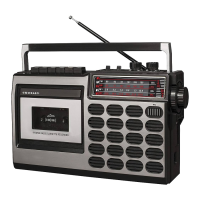
Note: To prevent accidental recording, break off the cassette tab from side A or B.
3. To pause recoding, press the Pause button.
4. To stop recording, press the Stop/Eject button.


 To Next Page