EasyManua.ls Logo

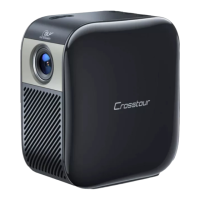
Crosstour ELEMENT S100 - User Manual

Crosstour ELEMENT S100
7 pages
Print Icon
To Next Page IconTo Next Page
Loading...
Micro Projector
ELEMENT SERIES
Quick Start Guide
Question and Answer IconNeed help?

Do you have a question about the Crosstour ELEMENT S100 and is the answer not in the manual?

Summary

Micro Projector Components

Indicator Lights and Controls

System/Power indicators, Reset, Focus, Volume, Power button.

Ports and Inputs

Audio Out, USB Power Output, HDMI Input, Micro USB Charging.

Projector Lens

The optical lens for projecting the image.

Projector Mounting and Features

Mounting Options

Rubber foot pads and tripod mount for stability.

Connecting Apple Devices

Apple Device Connectivity

Connect iPhone, iPad, and MacBook via HDMI.

Connecting HDMI Devices

HDMI Device Connection

Connect laptops, streaming devices, and sticks via HDMI.

Connecting Android Devices

Android Connectivity Methods

Connect via USB-C, Slimport, MHL, and Samsung specific adapters.

Troubleshooting Common Issues

Image and Sound Problems

Solutions for blurry image, non-square image, and no sound.

Power and Signal Problems

Solutions for power issues and no signal messages.
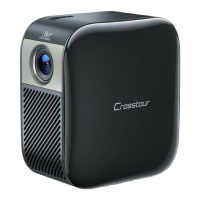
Crosstour ELEMENT S100 Specifications

General IconGeneral
BrandCrosstour
ModelELEMENT S100
CategoryProjector
LanguageEnglish

Related product manuals