BA_Migros_ED3EX_GB 09.02.2011 12:13 Uhr Seite 36
Probedruck
C M Y CM MY CY CMY K
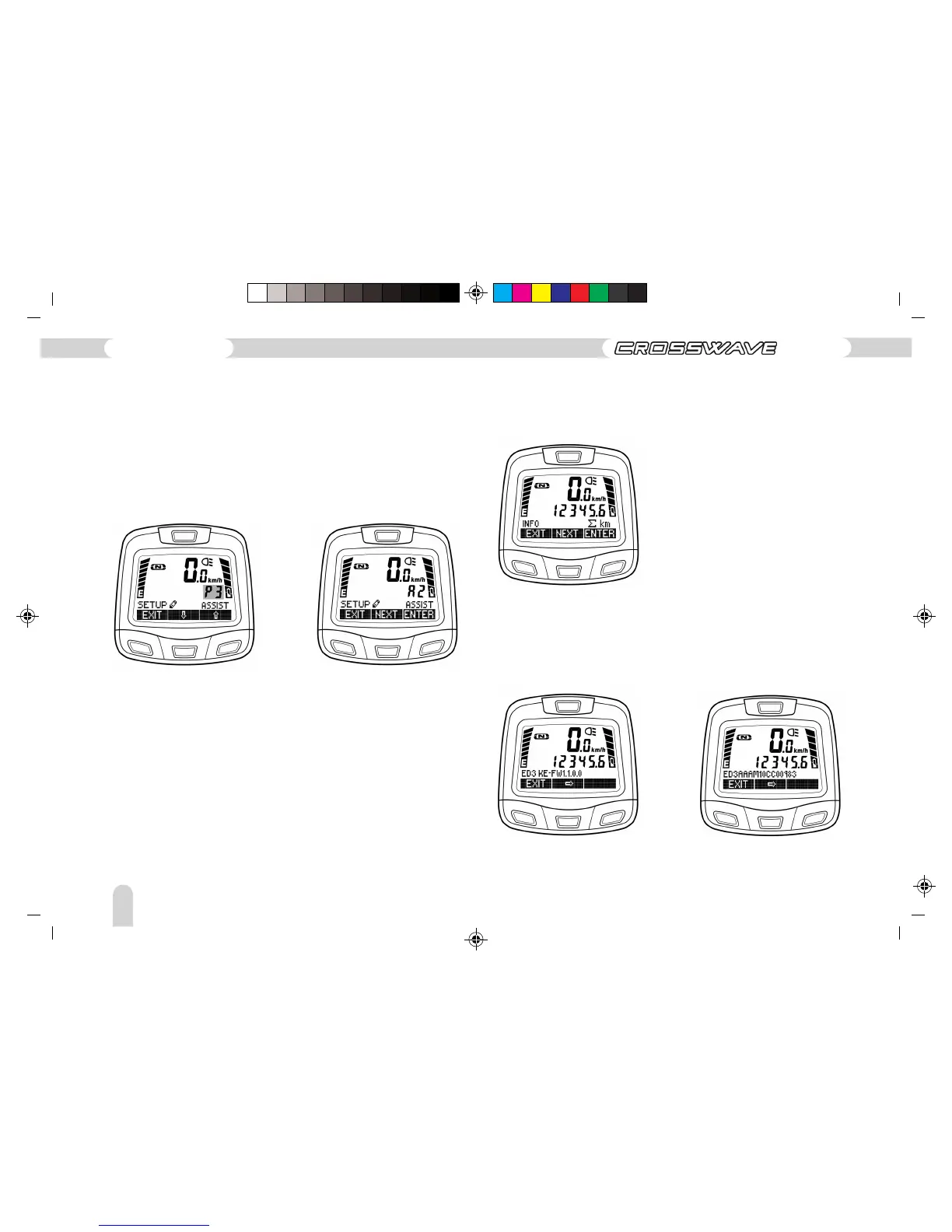
The editing mode of the assistance level can be entered from
the SETUP•SSIST display by pressing the “ENTER” button. The
assistance profile that has been set flashes. The assistance
profile P1 to P3 can be selected using the arrow buttons. The
editing mode is exited by pressing the “EXIT” button. If an
alteration has taken place, then SAVE / CANC appear again
(procedure as described in the preceding examples).
INFO Menu
The INFO menu can be entered from the Menu Level 1->INFO
by pressing the “ENTER” button.
Additional information such as the firmware version or serial
number is displayed in this menu. Navigate one step further by
using the arrow button. The INFO menu can be cancelled by
pressing the “EXIT” button.
This information is purely of interest to your dealer and our
service centre if possible repairs are necessary.
132
Operating instructions
ED-3 EX



 To Next Page