Operation Gasman
10
2.2 Run mode
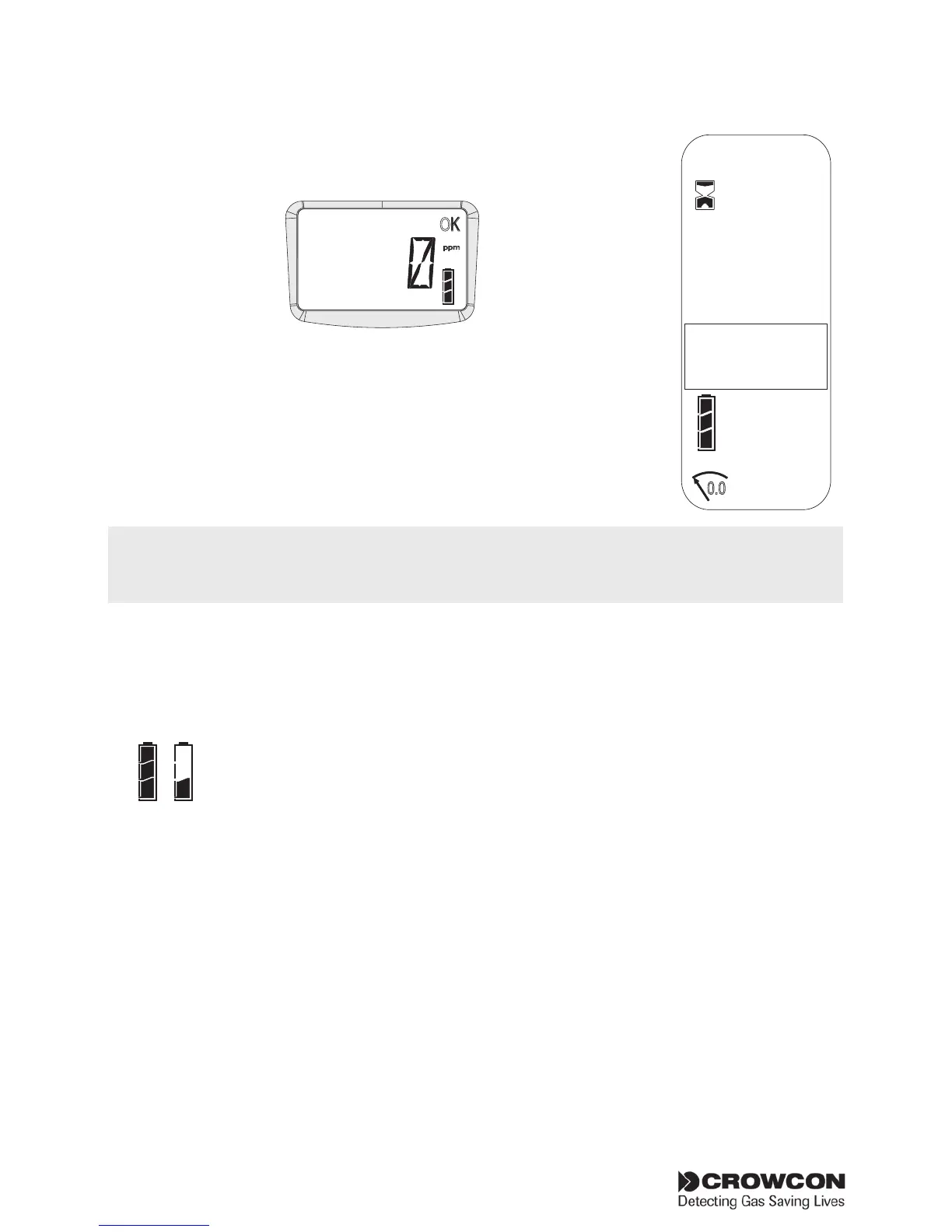
The Gasman unit displays the gas reading on the operator
display screen. A typical display is shown below:
The sensor channel will display the current value of the gas
being monitored and the unit of measurement, the ‘OK’
symbol will flash indicating unit is working correctly. Familiarise
yourself with the gas being monitored in your unit. Ensure you
understand site health and safety procedures. For information
on Peak and TWA readings, go to section 2.4.
2.3 Display symbol guide
Battery
A full battery is represented by a battery icon showing full
three bars. A low battery charge will show 1 bar. When
zero bars are shown the battery icon flashes and the
sounder will emit warning beeps.
If the battery becomes too low for operation the Gasman will
switch off. A low battery warning will alarm prior to switch off.
TWA alarm
Gasman will display the TWA alarm for toxic gases when the 15 minute
or 8 hour Time Weighted Average alarm threshold is passed.
Gasman will display ‘LTWA’ and ‘STWA’. When a TWA alarm threshold is
reached the TWA alarm cannot be cleared.
OK
ppm
Flashing
icon -
Gasman
running
normally
Battery life
Screen Icons
Autozero
Warm up
AL -1
AL -2
Alarms
0.0
OK
!
Full
Confidence signals
To reassure users the unit is working correctly, the Gasman unit will emit a short confidence
beep accompanied by a blue LED flash every 10 seconds and the OK icon will flash continuously.


 To Next Page