Gasman Batteries
15
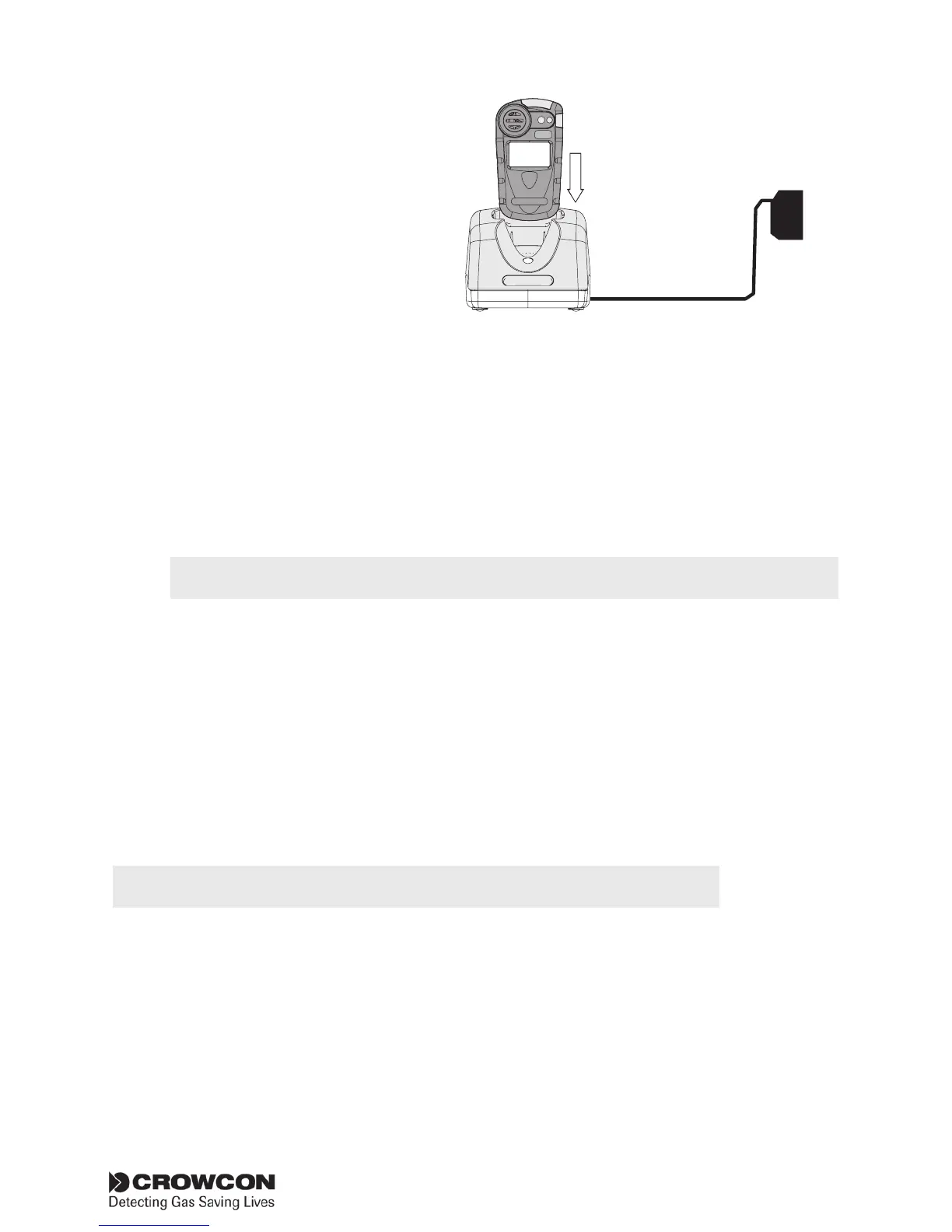
The Gasman should
normally be switched
off for charging. During
charging the red LED on
the front of the charger
unit will be lit. When
charging is complete the
red LED is extinguished.
During charging, the display will show the battery icon sweeping
from empty to full. On removing Gasman from the charger unit,
if the Gasman is on, the display icon will update in 20 seconds to
show actual charge state.
Chargers with dual LEDs are no longer suitable for use with the
current Gasman. We recommend that such chargers be replaced
with the newer model shown above (see Section XI, Accessories
and spare parts, p32).
The charging time will be longer if the unit is switched on during charging.
When Gasman is fully charged and switched on the battery icon
will display three full bars.
3.3 Changing rechargeable batteries
It is recommended that rechargeable batteries should be changed by an
authorised Crowcon service centre only.
3.4 Non-rechargeable batteries
Gasman uses a Lithium Cell battery pack which will give up to two years
of operation.
Always switch the Gasman off before opening the case to change the battery.
To replace the battery, ensure you are in a safe, non-hazardous area.
Remove the back cover and remove the battery*. Insert the replacement
battery into the instrument and securely fasten the back cover.
Note: When a non-rechargeable detector is placed in the charger/charger
interface the red LED will not illuminate and the detector will not charge.
* Note: later versions of the Gasman will have a tab in place to aid
removal of the battery.
12Vdc
Power
supply
HS
2



 To Next Page