9
How to reduce phase cancellations from surface
reflections:
Sometimes you must place a microphone near a
hard reflective surface. Situations where this might
occur are reinforcing drama, musicals, or opera with
the microphone near the stage floor, recording a
piano with the mic near the raised lid, or recording
an instrument surrounded by reflective baffles.
This situation can cause phase cancellations which
give a strange tone quality. Solve the problem by
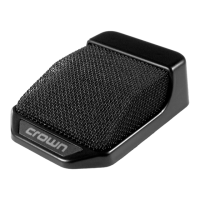
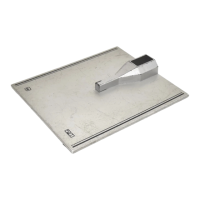
using a Crown PZM or PCC microphone taped to
the piano lid, wall, floor, table, or other large flat
surface.
How to reduce handling noise and thumps
•Use an omnidirectional microphone, such as a
GLM-100 or any PZM.
•Use a directional microphone with low sensitivity
to handling noise and thump, such as the CM-200A,
CM-310A, PCC-160, PCC-170, or PCC-200.
•Use a directional microphone with an internal shock
mount.
•Use a shock-mount stand adapter, either handheld
or on a mic stand an example is the CM-SM.
•Place the mic stand on foam or sponges.
How to reduce lavalier clothing noise
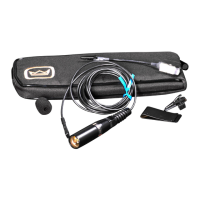
•Tape the cable to clothing.
•Strain-relieve the cable by using a belt clip.
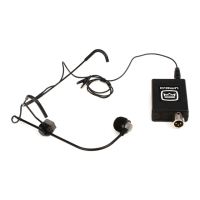
•Use an omni-directional lavalier (GLM-100) rather
than a uni-directional lavalier (GLM-200). The omni
type has less pickup of mechanical vibration.
How to reduce proximity effect:
Proximity effect is the bass boost you hear when
you mike close with a single-D directional micro-
phone. “Single-D” means that the microphone has
a single distance from its front sound entry to the
rear sound entry. The close the mic is to the sound
source, the more bass you hear. To reduce proxim-
ity effect:
•Use an omnidirectional microphone such as a
Crown GLM-100 or PZM.
•Use a unidirectional microphone, but turn down
the excess bass with your mixer’s EQ.
•Use a variable-D unidirectional microphone.
How to reduce pop
Pop: is an explosive breath sound produced by the
letters “p,” “b,” or “t.” When a person says words
containing these sounds, a turbulent puff of air is
forced from the mouth. This air puff hits the micro-
phone and makes a thump or little explosion called
a “pop.”
To reduce pop:
•Use an omnidirectional microphone, such as a
Crown PZM.
•Use a microphone with a built-in pop filter or ball-
shaped grille, such as the Crown CM-200A or CM-
310A.
•Place an external foam pop filter on the micro-
phone.
•Roll off low frequencies below 100 Hz.
•Place the microphone out of the path of pop travel
— above, below, or to the side of the mouth.
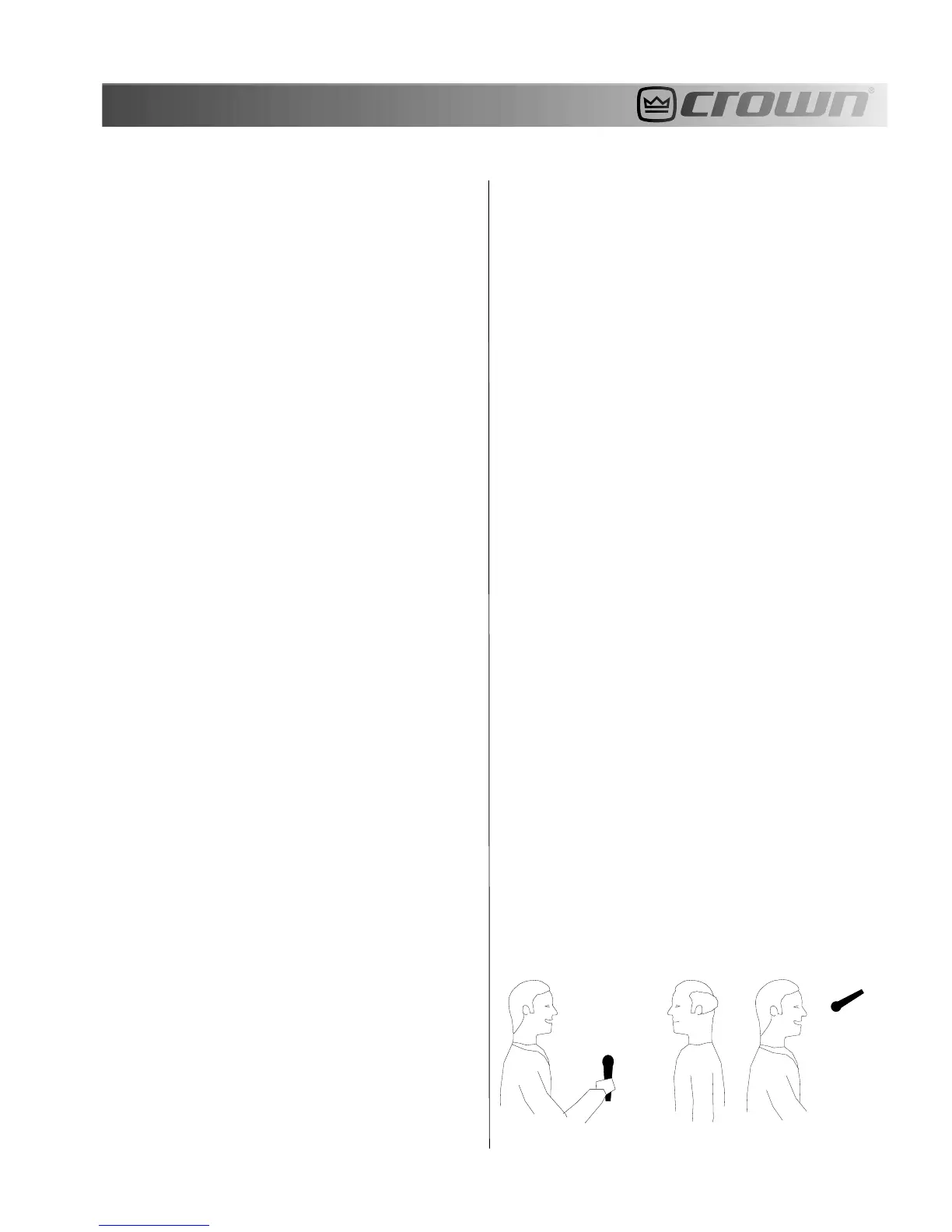
For example, Figure 19 shows an interview with the
microphone placed midway between the two people,
below their mouths. Figure 20 shows how a studio
announcer can be miked to prevent pop. The mi-
crophone is at eye level so that pops shoot under
the microphone and miss it. A hoop-type pop filter
also works quite well.
Fig. 19 – Reducing pop during an interveiw.
Fig. 20 – Miking a studio announcer to prevent
breath pops.


 To Next Page
 Loading...